Everything you do in Shopify admin — across every store at once.
Shopfleet is one workspace for your whole fleet: one catalog, one stock grid, one set of rules and one history of every change.
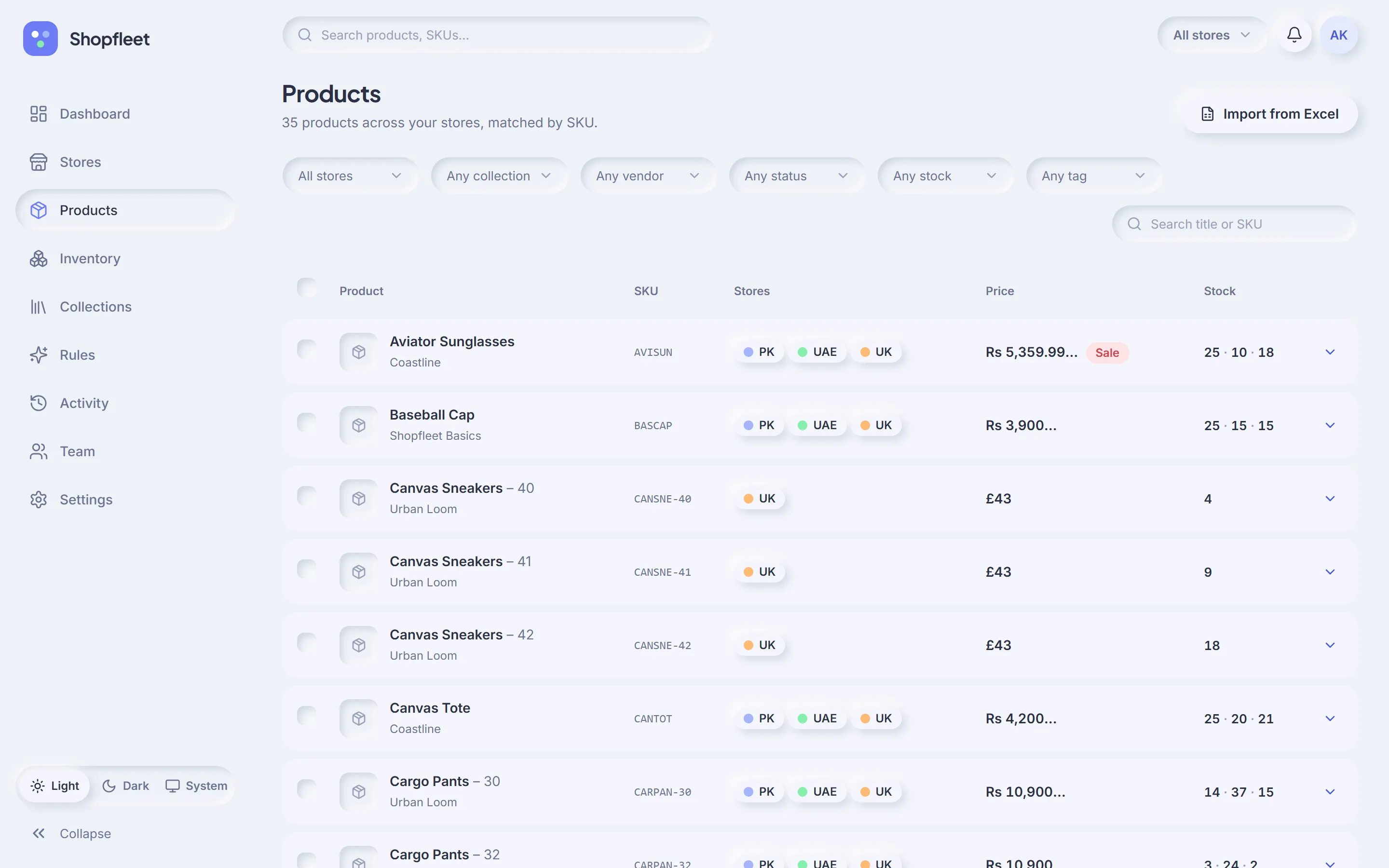
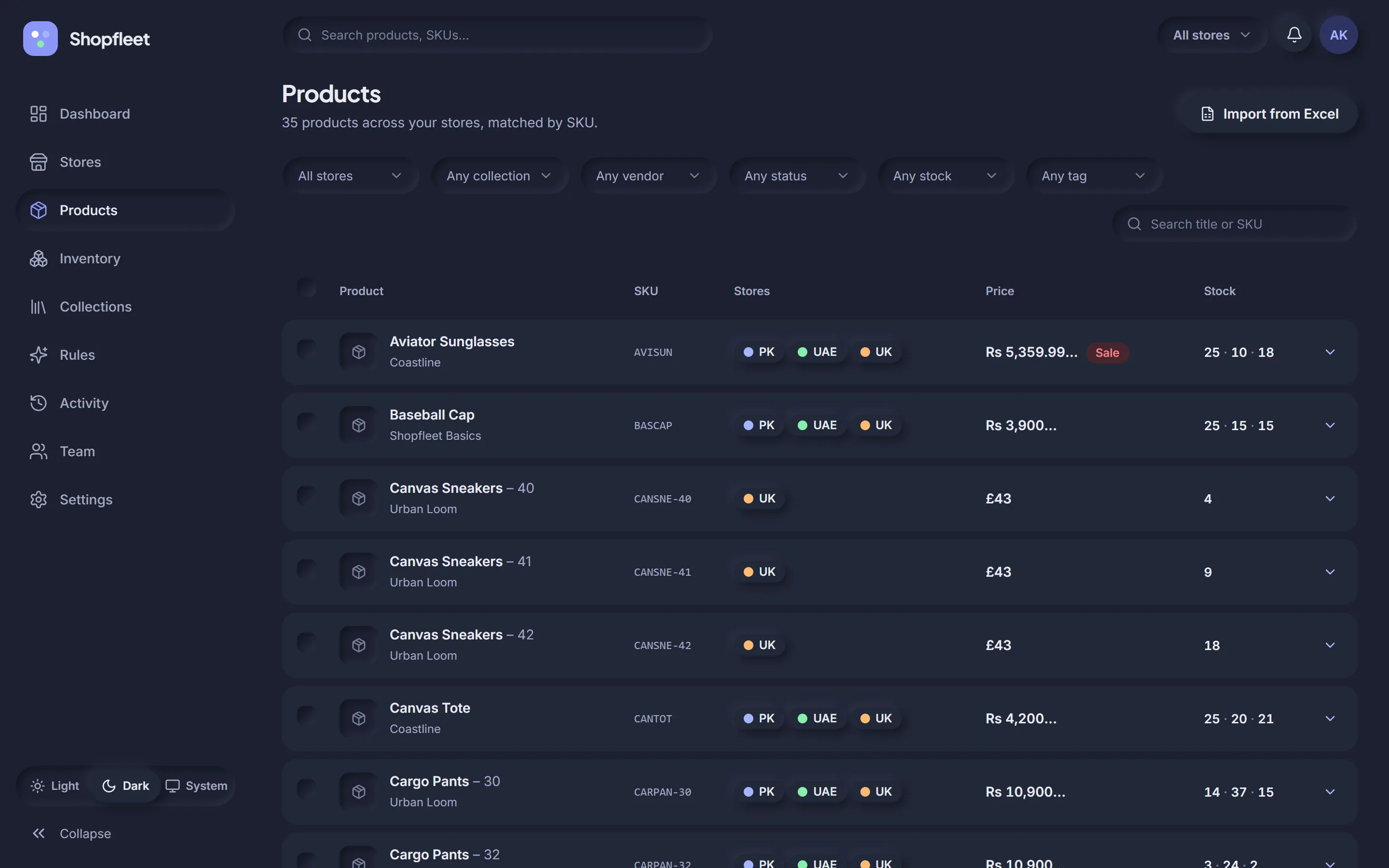
Every product, in every store, in one table.
Shopfleet matches the same product across stores so you see it once — with each store's price, compare-at price and stock side by side, in each store's currency.
- Match by SKU, or by handle + variant title — your choice per workspace
- Filter by store, collection, vendor, tag, status and stock level
- Bulk edit price, compare-at, stock, tags, status and collections
- Every bulk edit asks: all stores, selected stores, or just this one?
Stock for every store, edited like a spreadsheet.
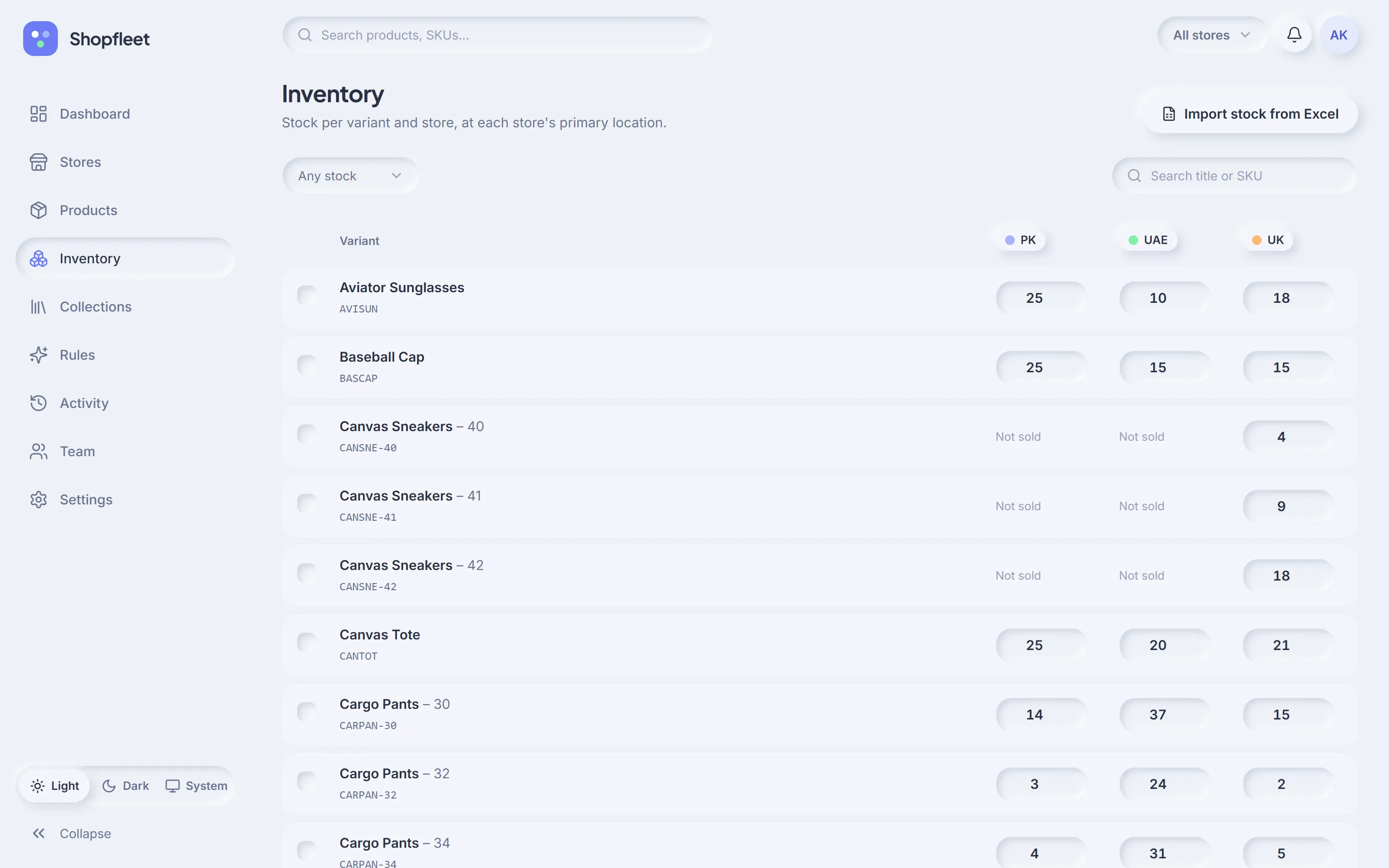
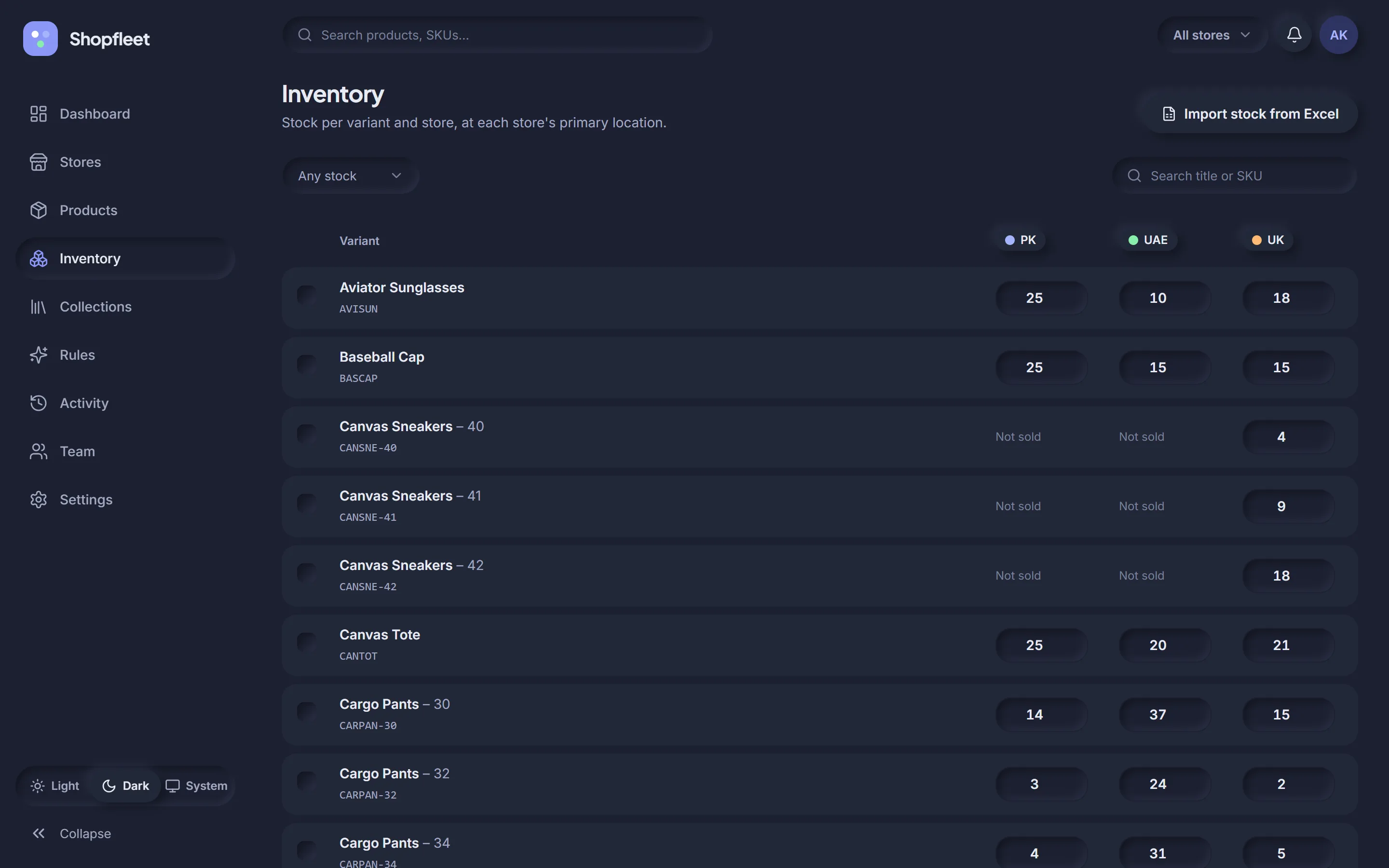
Variants down the side, stores across the top. Type a number and Shopfleet updates Shopify in the background — no page reloads, no waiting.
- Edits apply at each store's primary location
- “Not sold” where a store doesn't carry a variant
- Import stock counts from an Excel or CSV file
- Low-stock alerts across the whole fleet on the dashboard
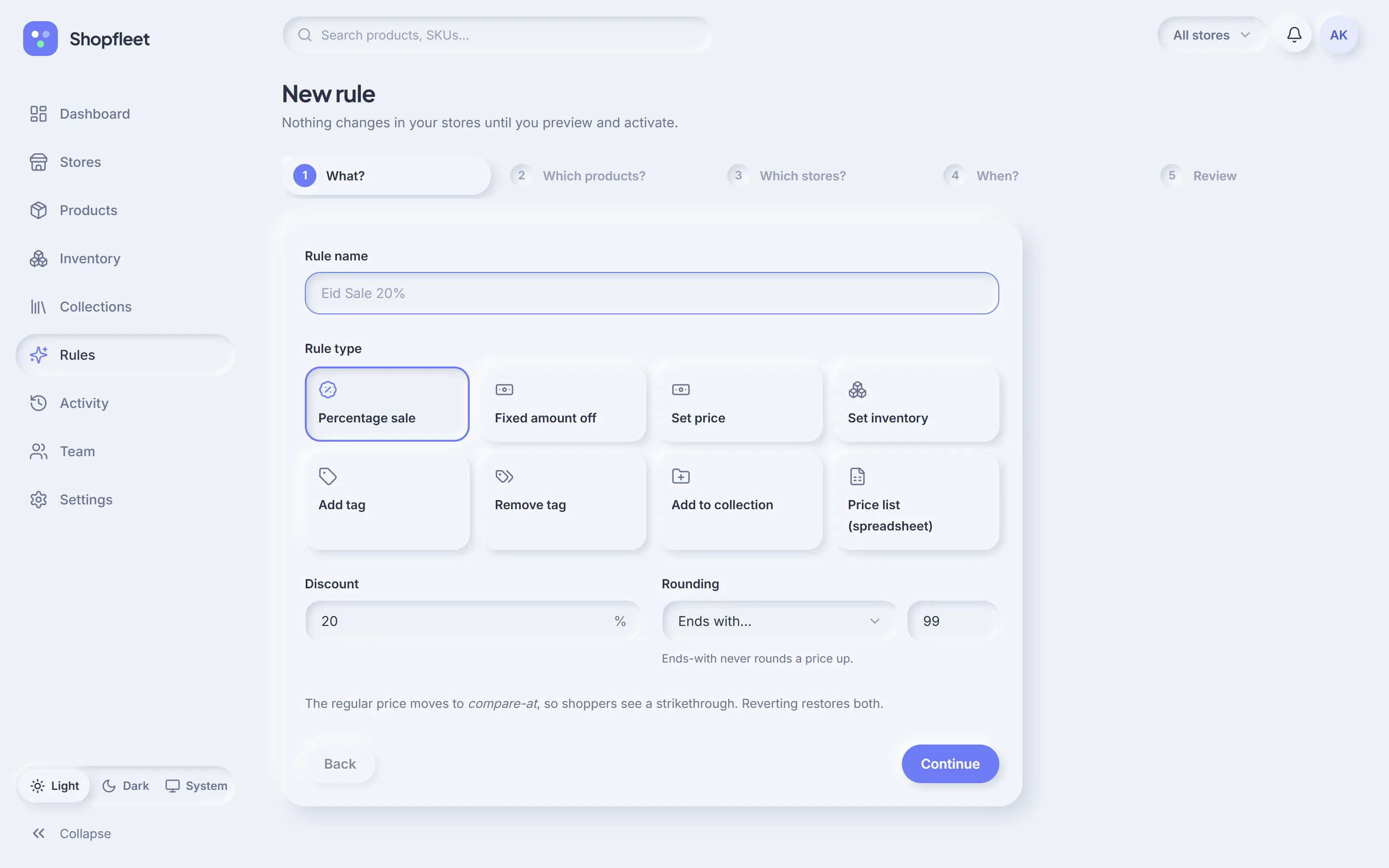
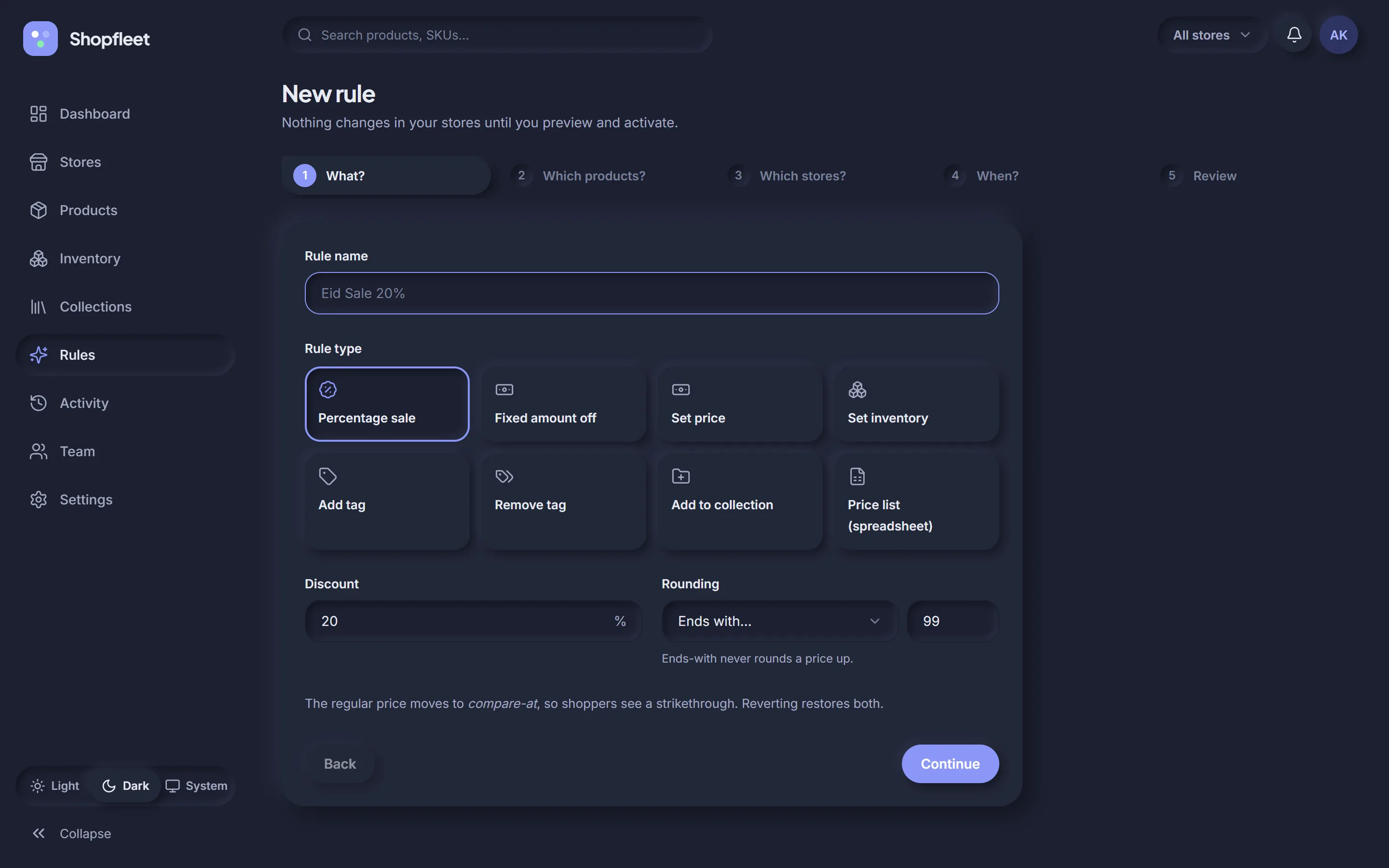
One rule. Every store. Previewed first.
A guided five-step builder: what to change, which products, which stores, when — and a review that shows every affected variant before anything is sent to Shopify.
- Target all products, collections, specific products, tags or vendors
- Start now or at a set time; add an end date to auto-revert
- Rounding: whole numbers or “ends with .99” — never rounds a price up
- Regular price moves to compare-at, so shoppers see the strikethrough
Price rules
Percentage sale, fixed amount off, set an exact price, or upload a spreadsheet price list per SKU.
Stock rules
Set inventory to a number across a collection — perfect for restocks or launching a new store.
Merchandising rules
Add or remove tags and add products to collections across stores — and revert them just as easily.
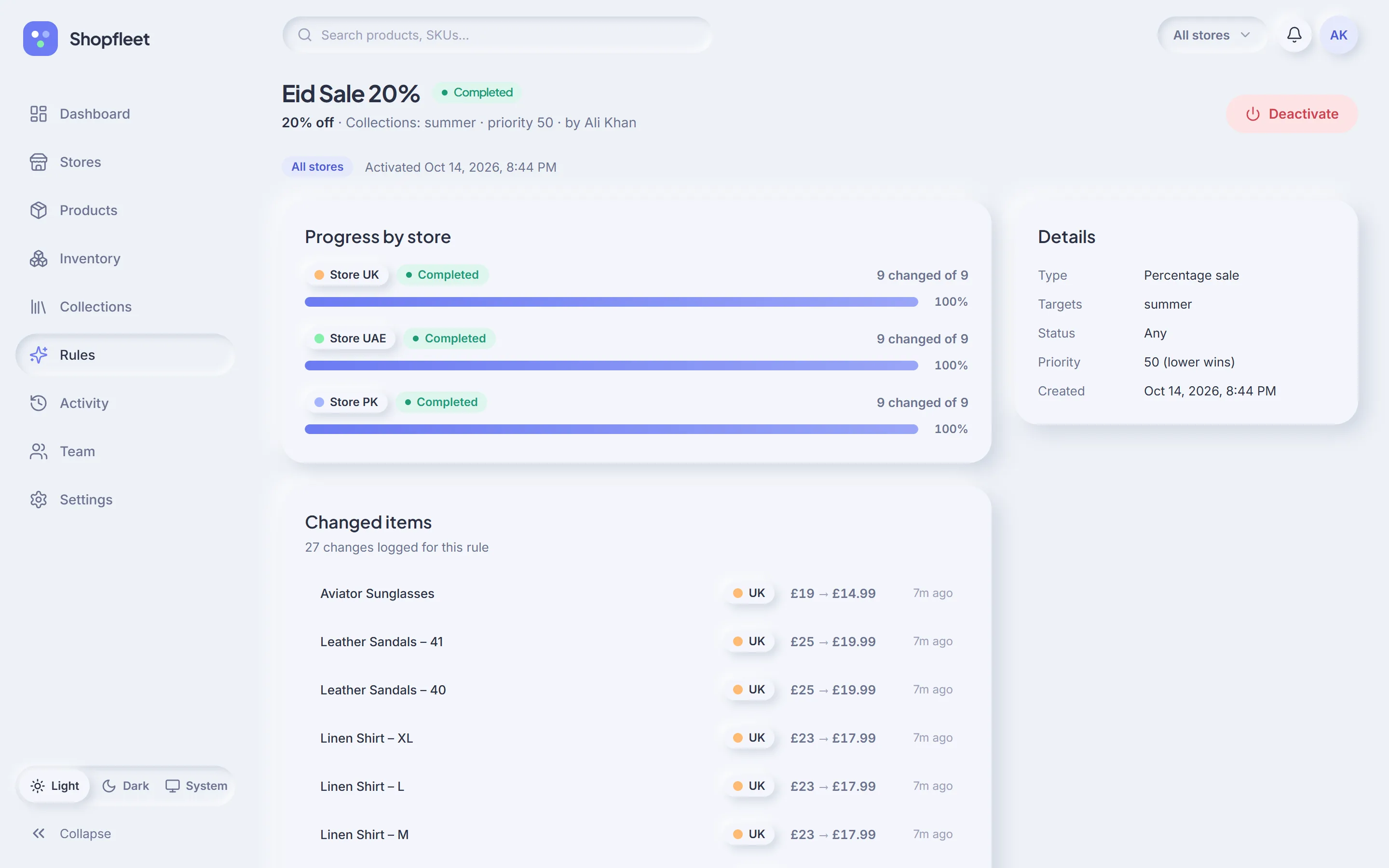
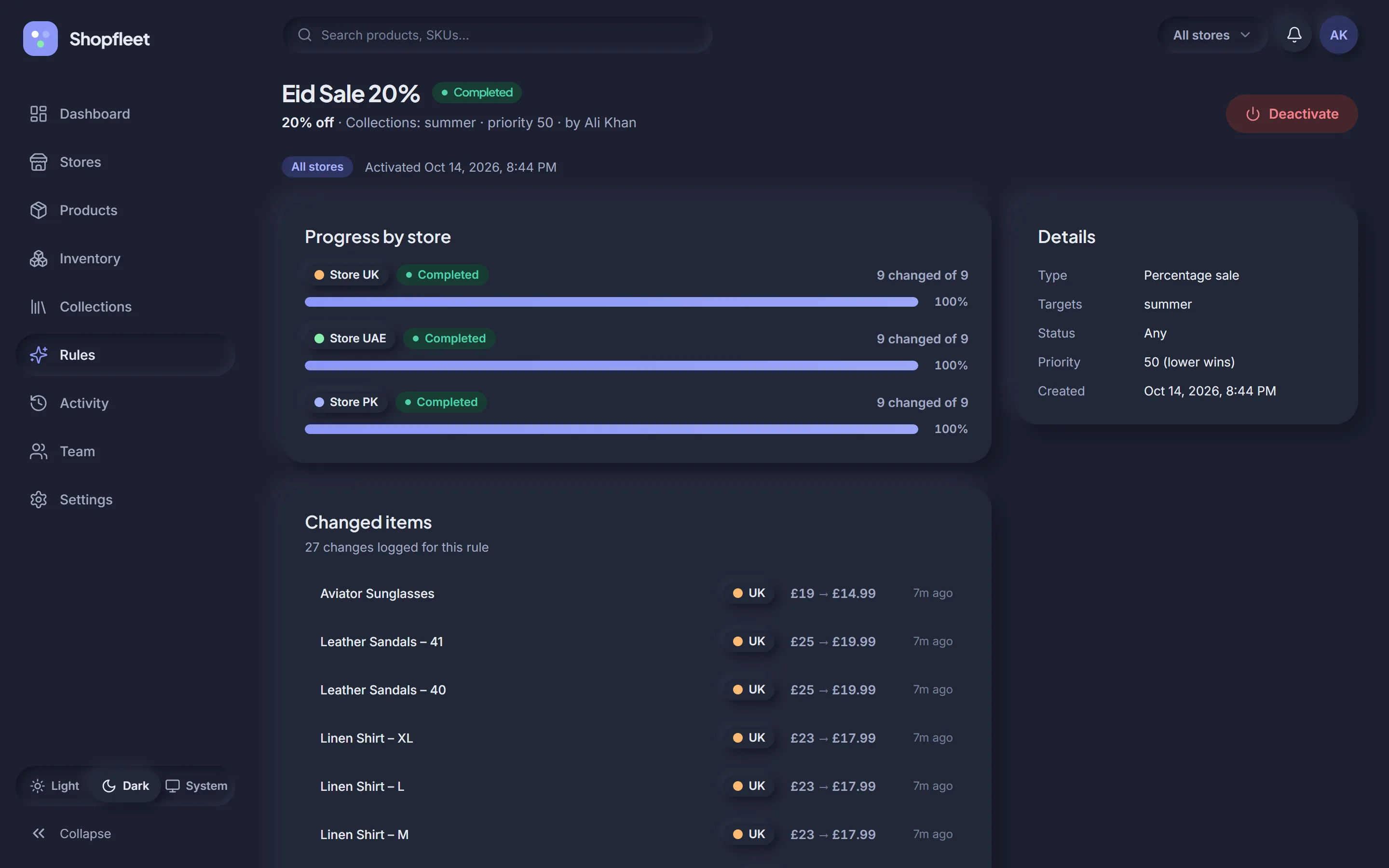
Watch it run. Undo it in one click.
Each rule shows progress per store and every item it changed, with old and new values. Deactivate it and Shopfleet restores the saved originals.
- Runs in small background batches that respect Shopify's API limits
- Partial failures are listed per item — retry without redoing the rest
- Overlapping rules are flagged; lower priority number wins
- 500+ variants? You'll type APPLY to confirm
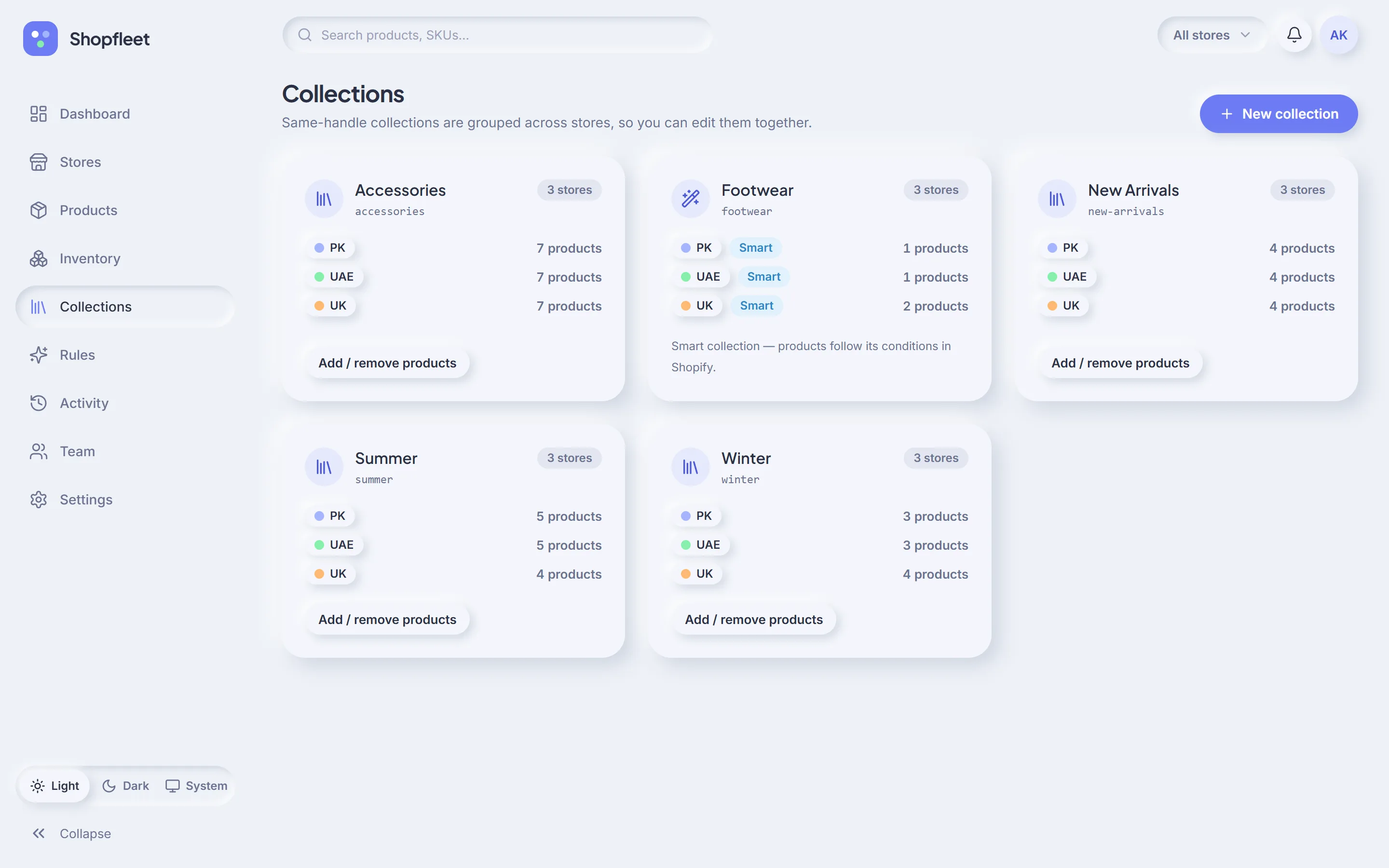
Collections, grouped across stores.
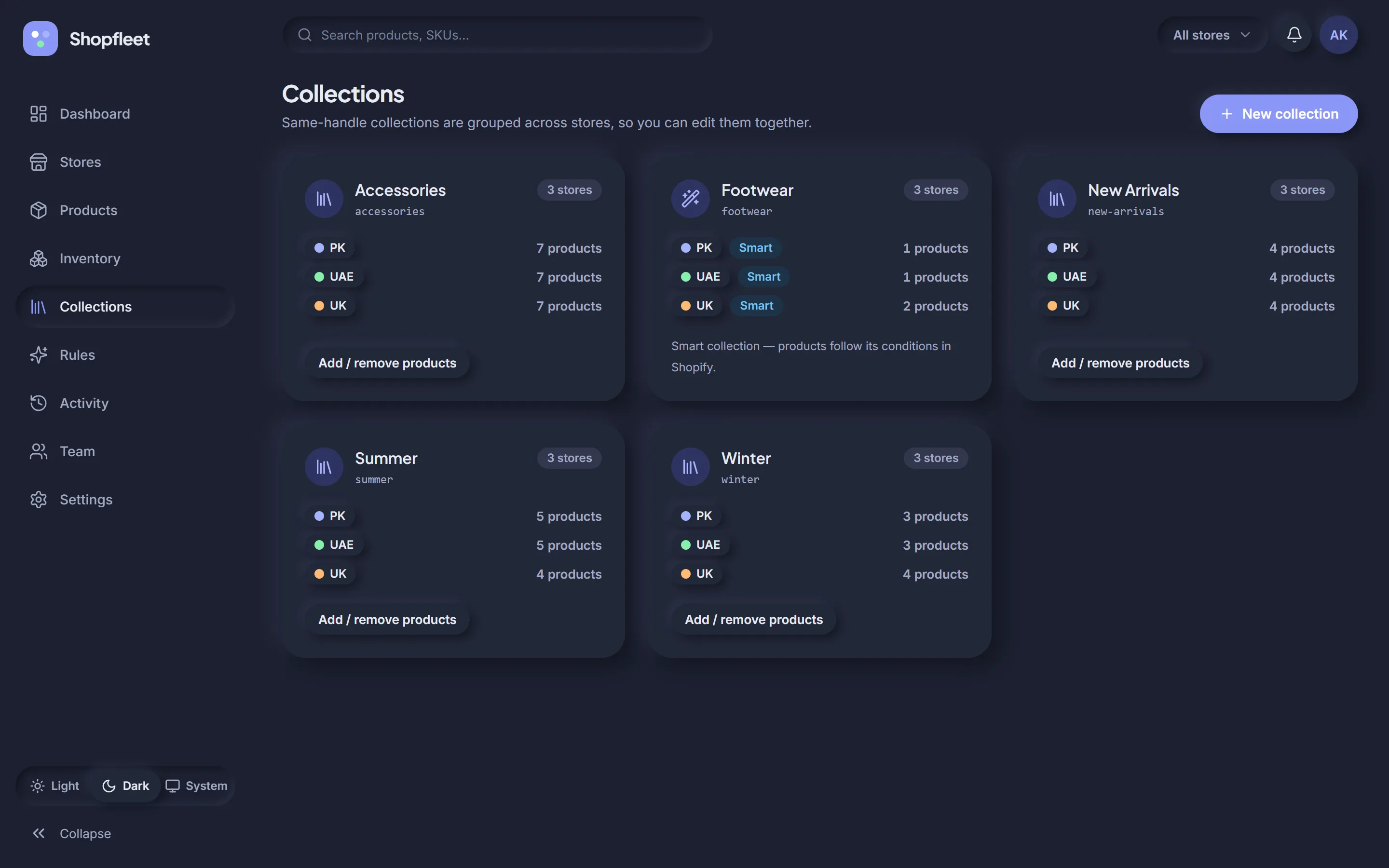
Collections with the same handle are grouped, so “Summer” is one card for all your stores. Add or remove products everywhere at once, or create a new collection on several stores in one go.
- Product counts per store at a glance
- Smart collections recognised — they follow their Shopify conditions
- Use any collection as a rule target
A history you can actually trust.
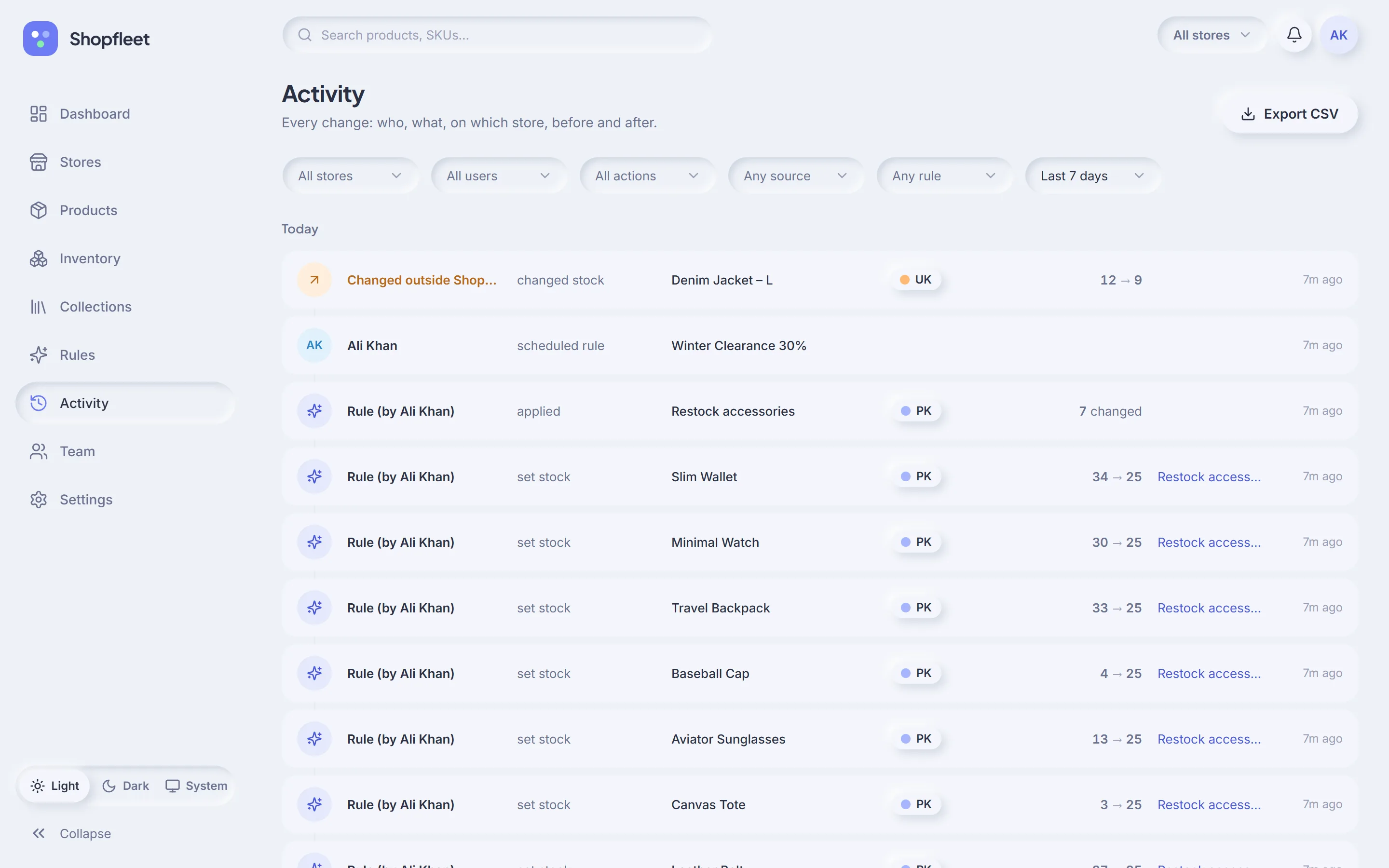
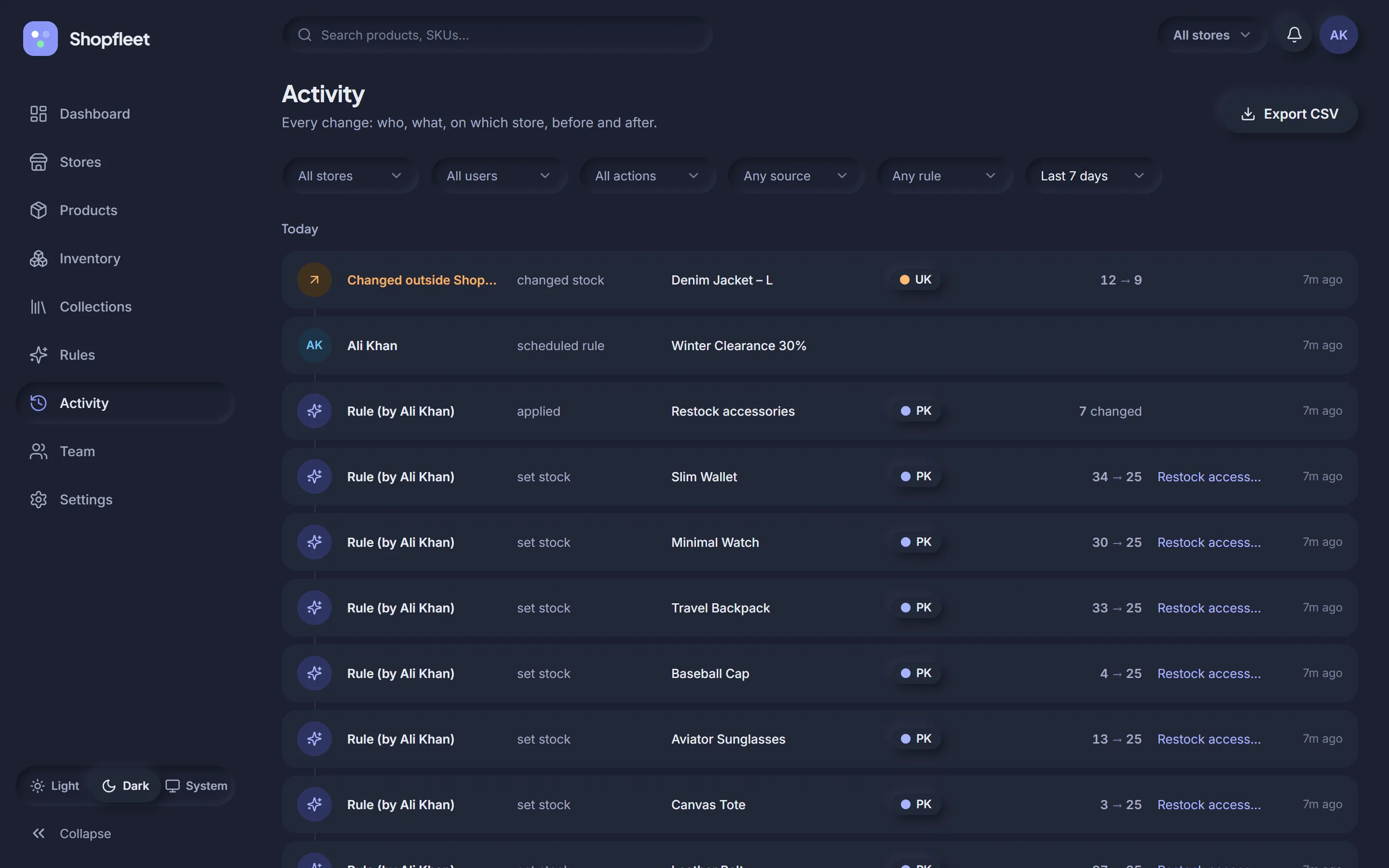
Who did it, what changed, on which store, from what to what — and whether it came from a person, a rule, or someone editing directly in Shopify admin.
- “Changed outside Shopfleet” detection via Shopify webhooks
- Filter by store, user, action, source, rule and date range
- Append-only: entries can't be edited or deleted
- One-click CSV export
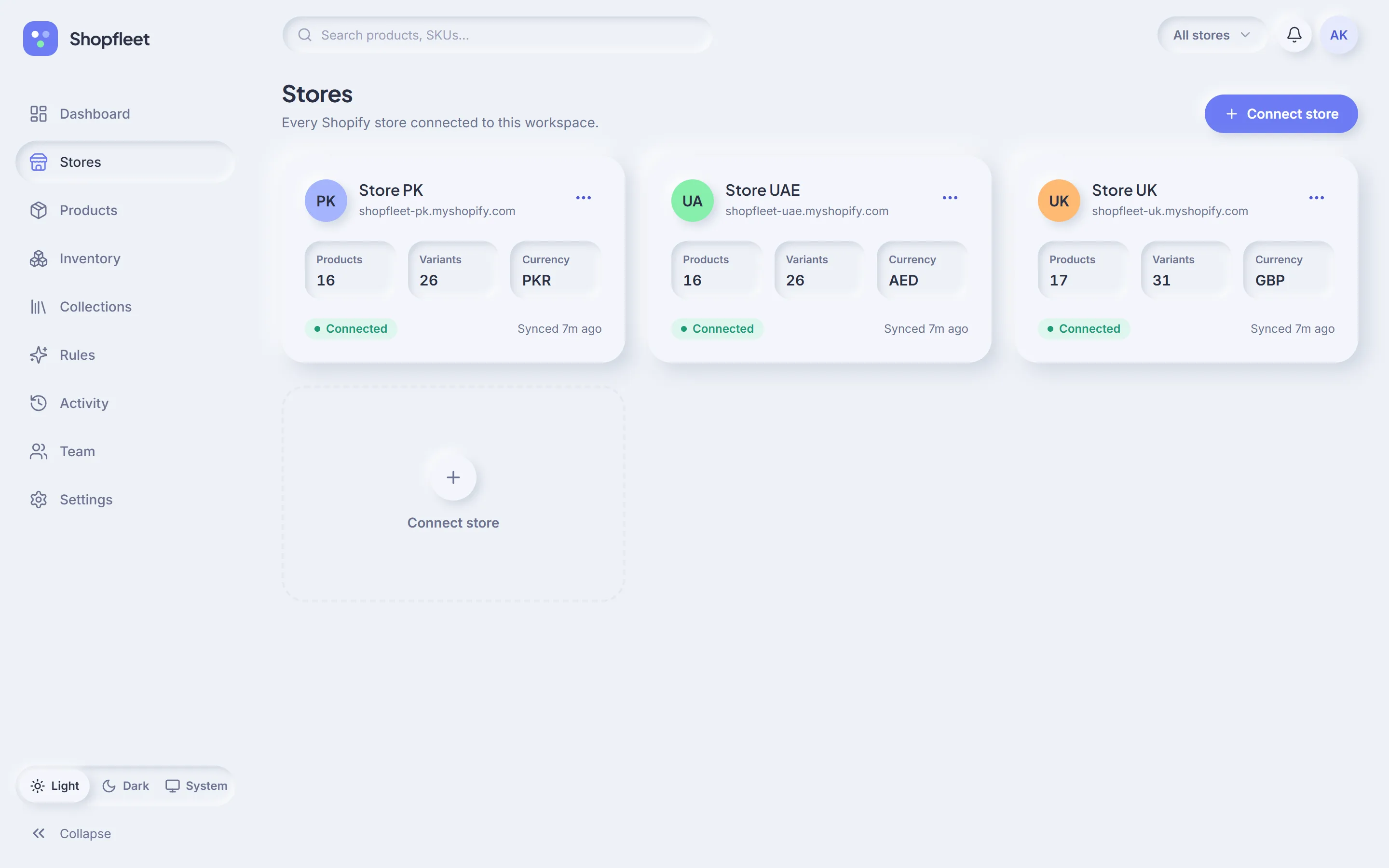
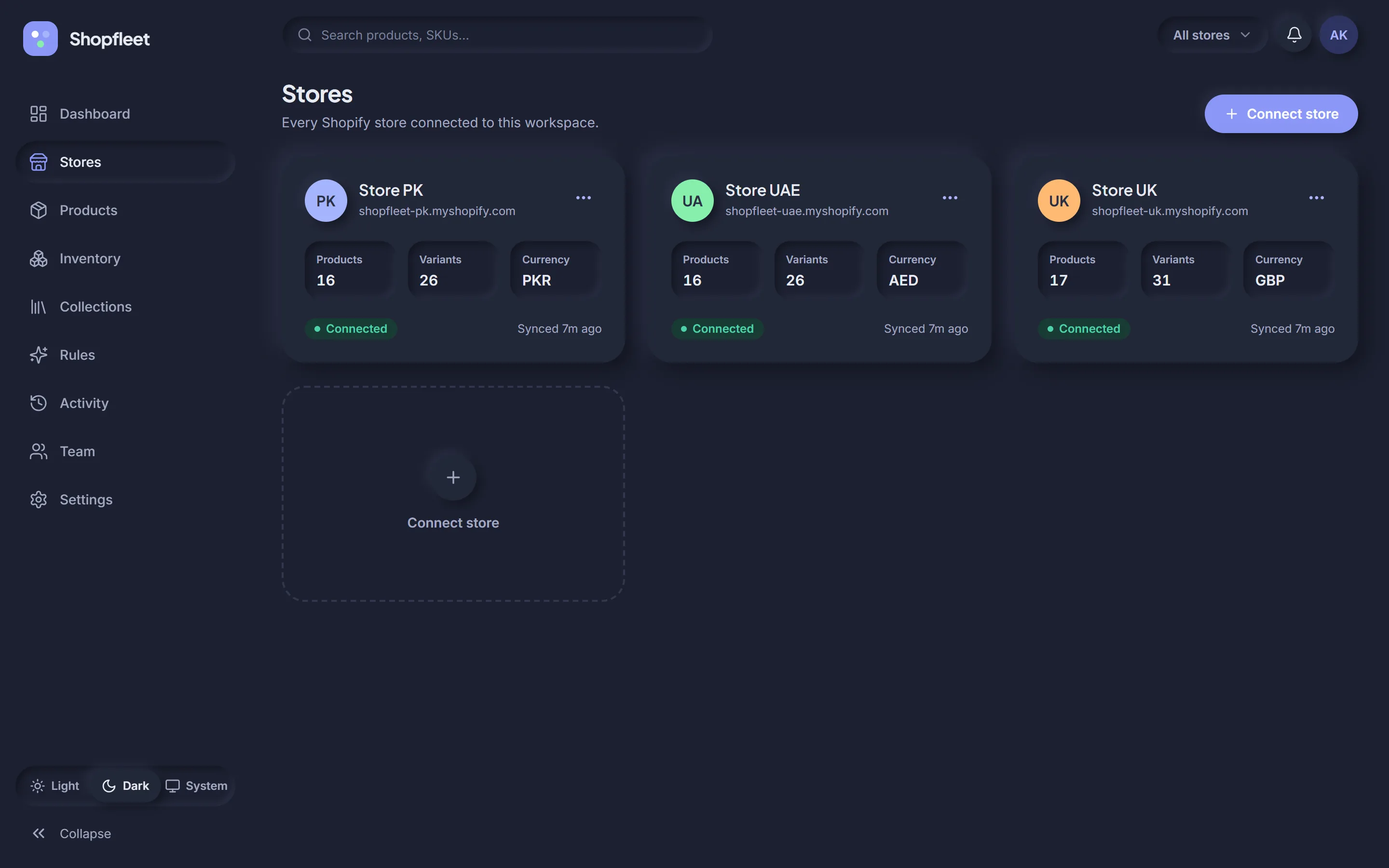
Connect in a minute. Stay in sync.
Connect through Shopify's official sign-in. Shopfleet syncs your catalog in the background and keeps it current through webhooks.
- Each store gets a name, colour and currency
- Health status: connected, syncing, needs attention, disconnected
- Uninstalls are detected automatically
Invite your team. Keep control.
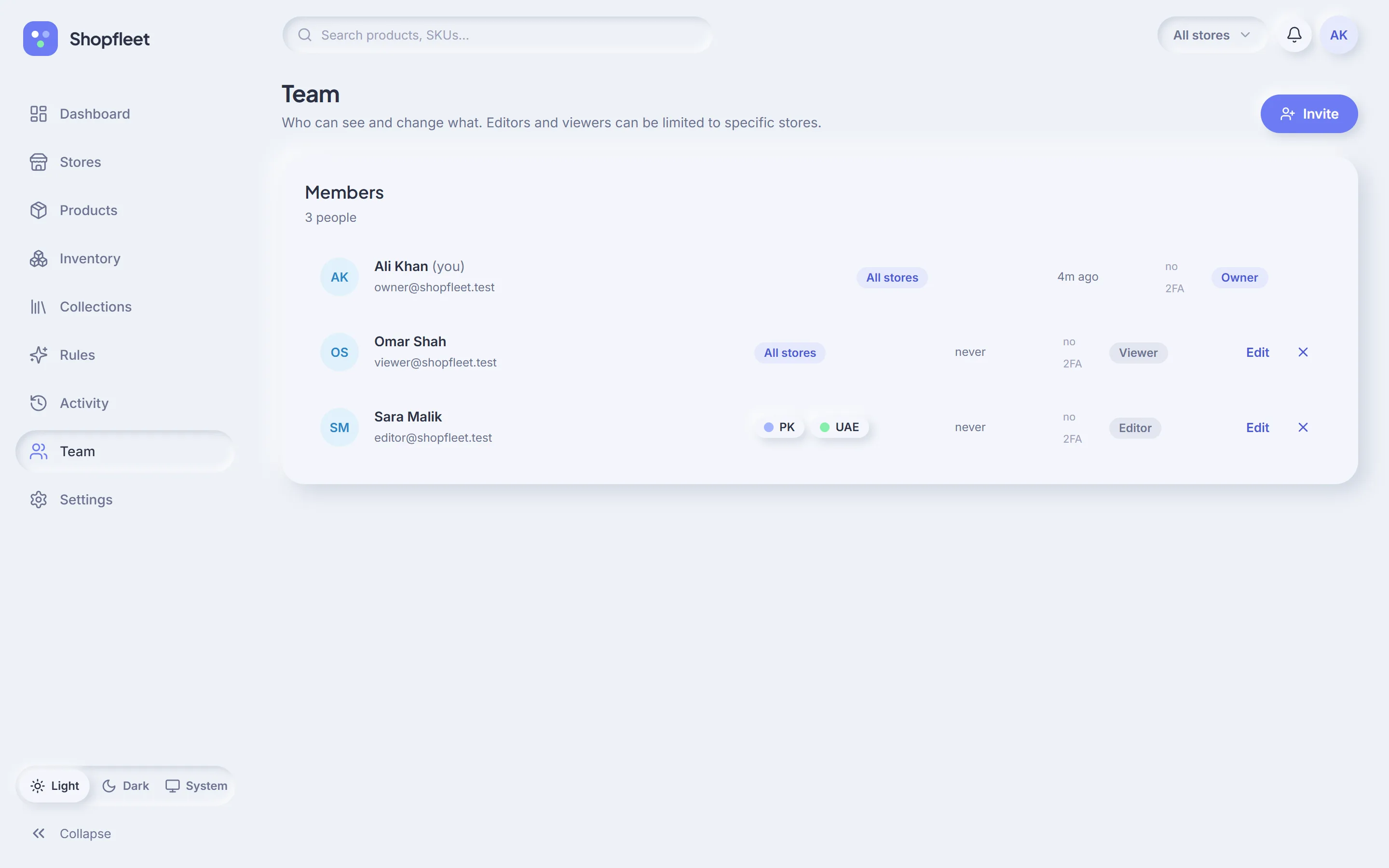
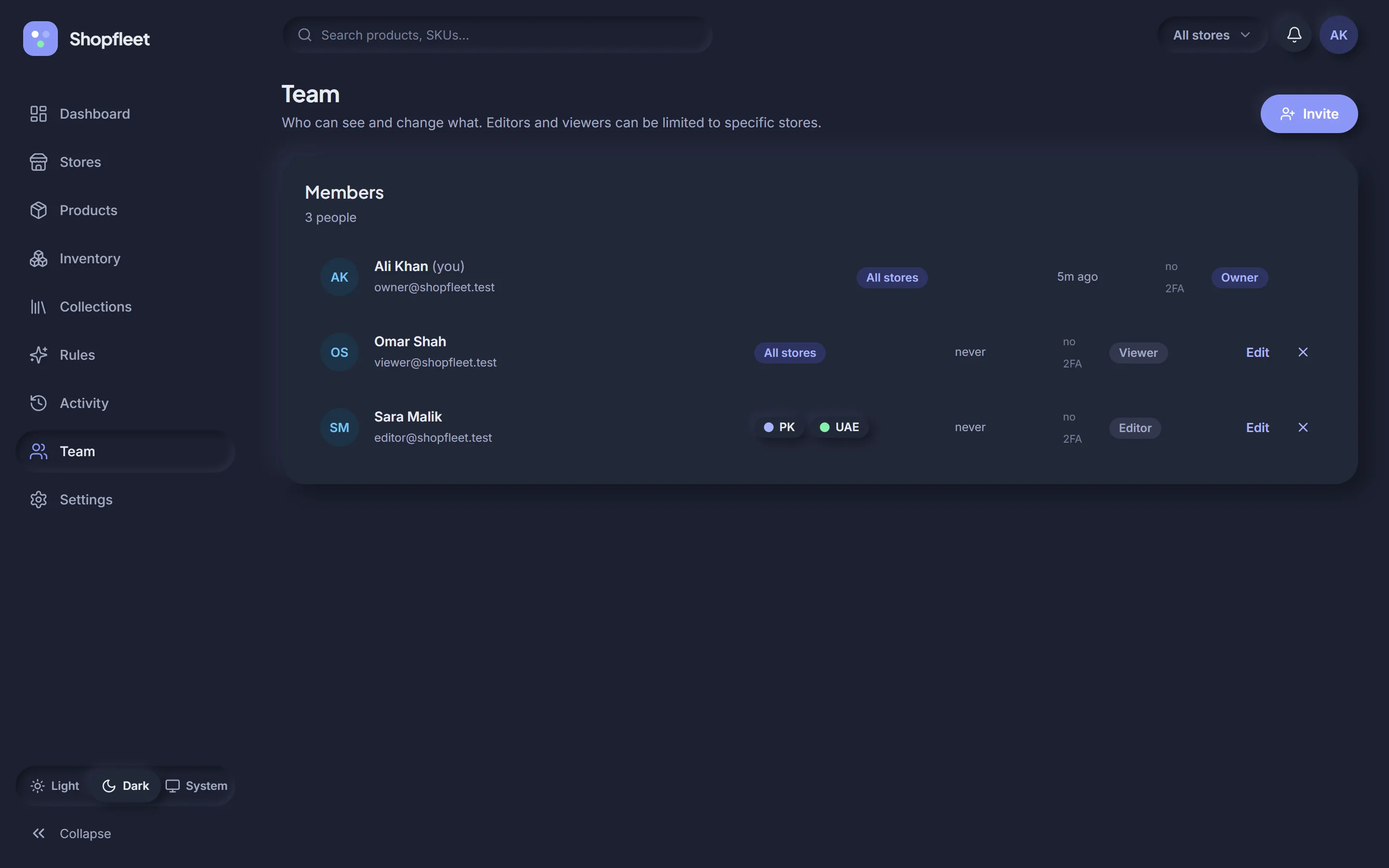
Invite people by email and give them a role. Editors and viewers can be limited to the stores they actually work on.
- Owner, Admin, Editor and Viewer roles
- Per-store access for editors and viewers
- See who has two-factor sign-in turned on
- Permissions checked on every action and in every background job
Set it up your way.
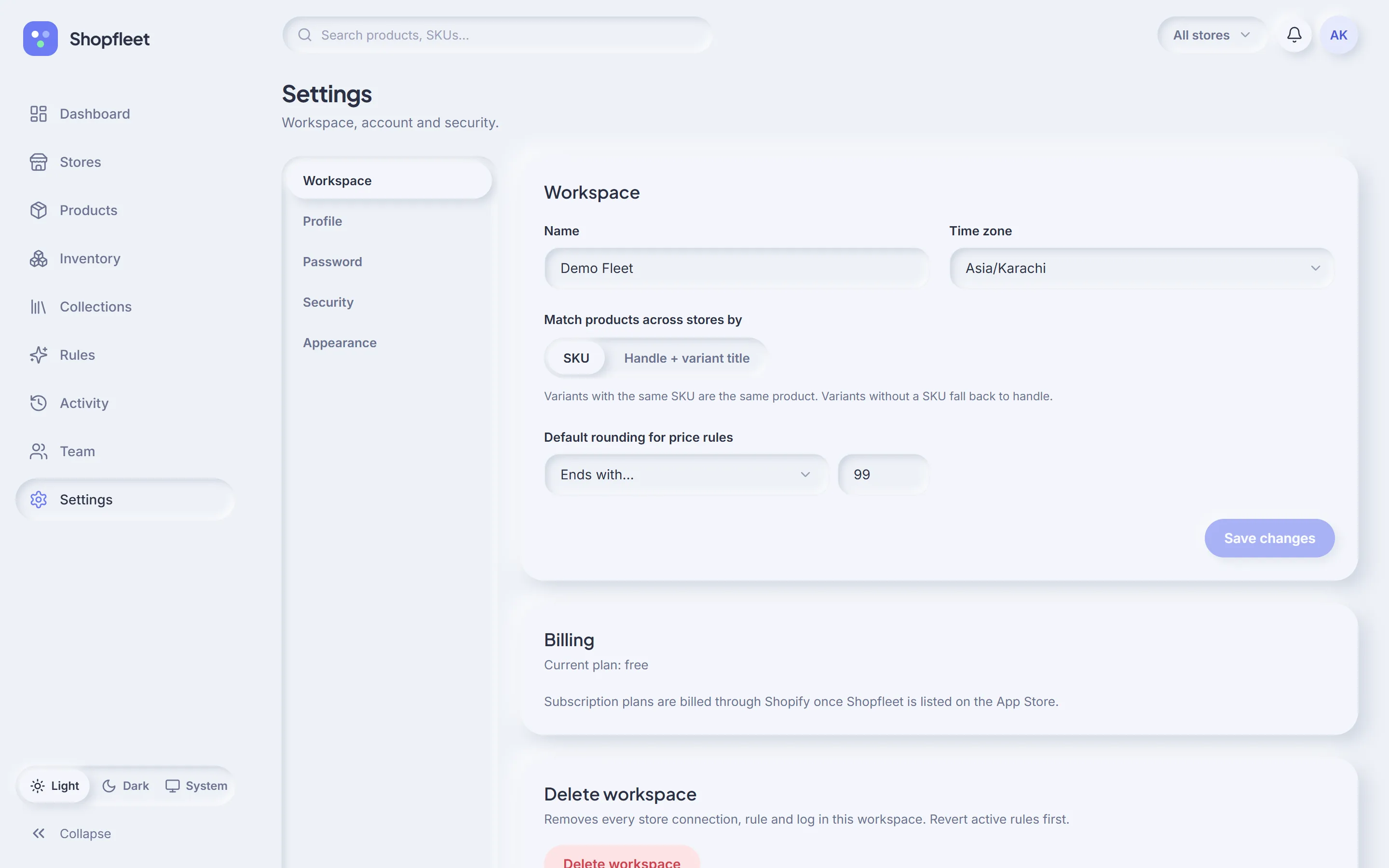
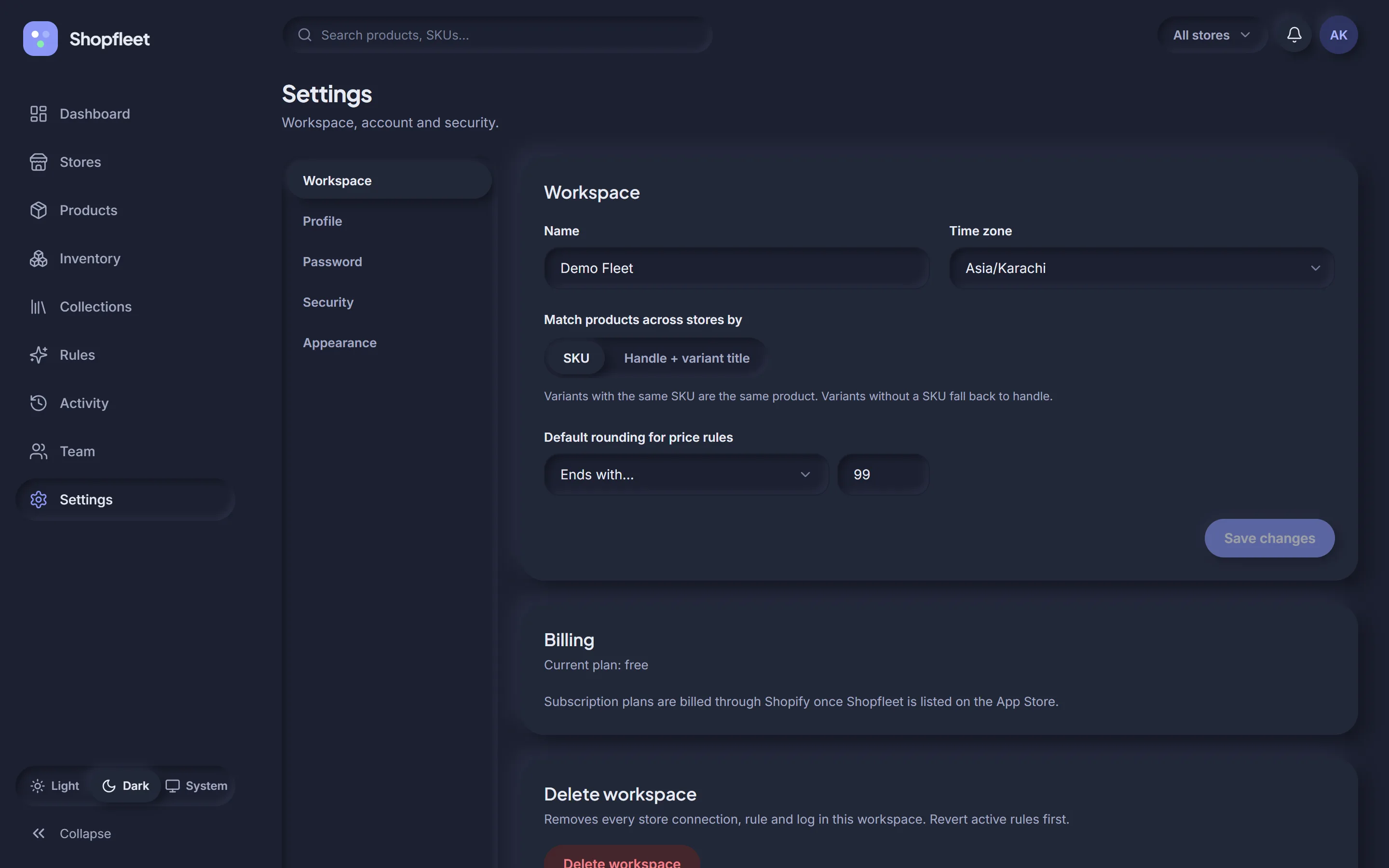
Choose how products are matched across stores, the default rounding for price rules, and the time zone schedules follow.
- SKU or handle + variant title matching
- Default rounding for new price rules
- Light, dark or system theme
- Two-factor authentication with recovery codes
The small things that make it feel right.
Excel & CSV import
Upload a sheet of prices, stock or metafields. Map columns, preview the matches, then apply — with failures listed row by row.
Works on your phone
A mobile layout with bottom navigation, so you can check a sale or fix stock from anywhere.
Light & dark mode
A calm, soft interface in both themes — or let it follow your system setting.
Background jobs
Big changes run in small batches that respect Shopify's rate limits. Close the tab — it keeps going.
Alerts that matter
The bell lights up when a store needs attention or a rule run has failed items — with a link straight to the fix.
Security built in
Encrypted store tokens, HMAC-verified webhooks, strict security headers, two-factor sign-in and an append-only log.
Your next sale, on every store, in five minutes.
Connect your stores, preview your first rule, and see the difference. Free for 14 days.