Ten real screens, in the order you'd use them. We'll connect three regional stores, tidy their stock, and run an Eid sale across all of them — then undo it.
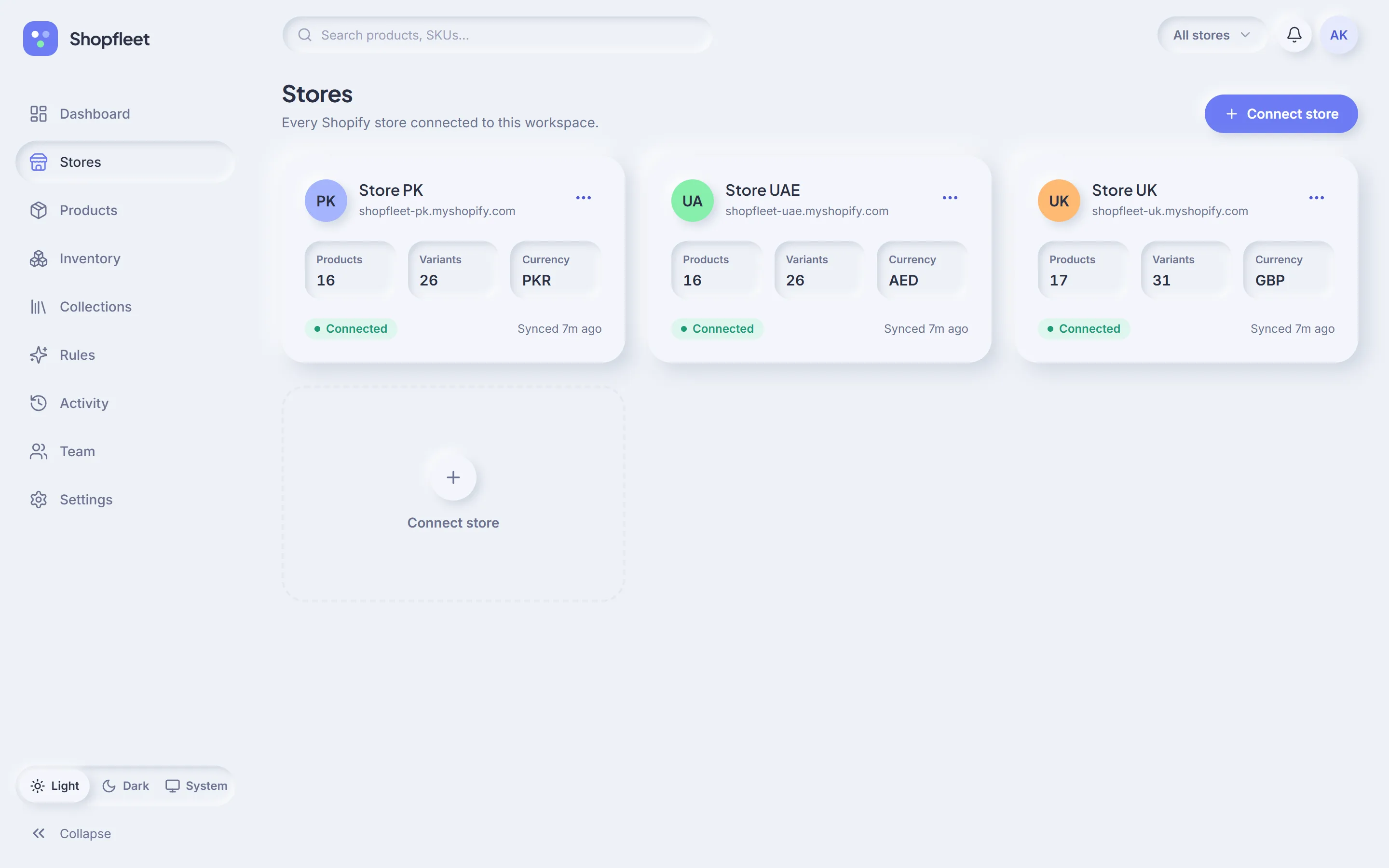
Type a store's myshopify.com address, approve access in Shopify, and you're back in Shopfleet with the catalog syncing. Repeat for each store — here, Store PK, Store UAE and Store UK.
Official Shopify sign-inOAuth only — you never share a password.
Colour & currencyEach store gets a colour chip you'll see everywhere.
Syncs in the backgroundStay in sync through Shopify webhooks.
2
Dashboard · 2 of 10
See the whole fleet at once
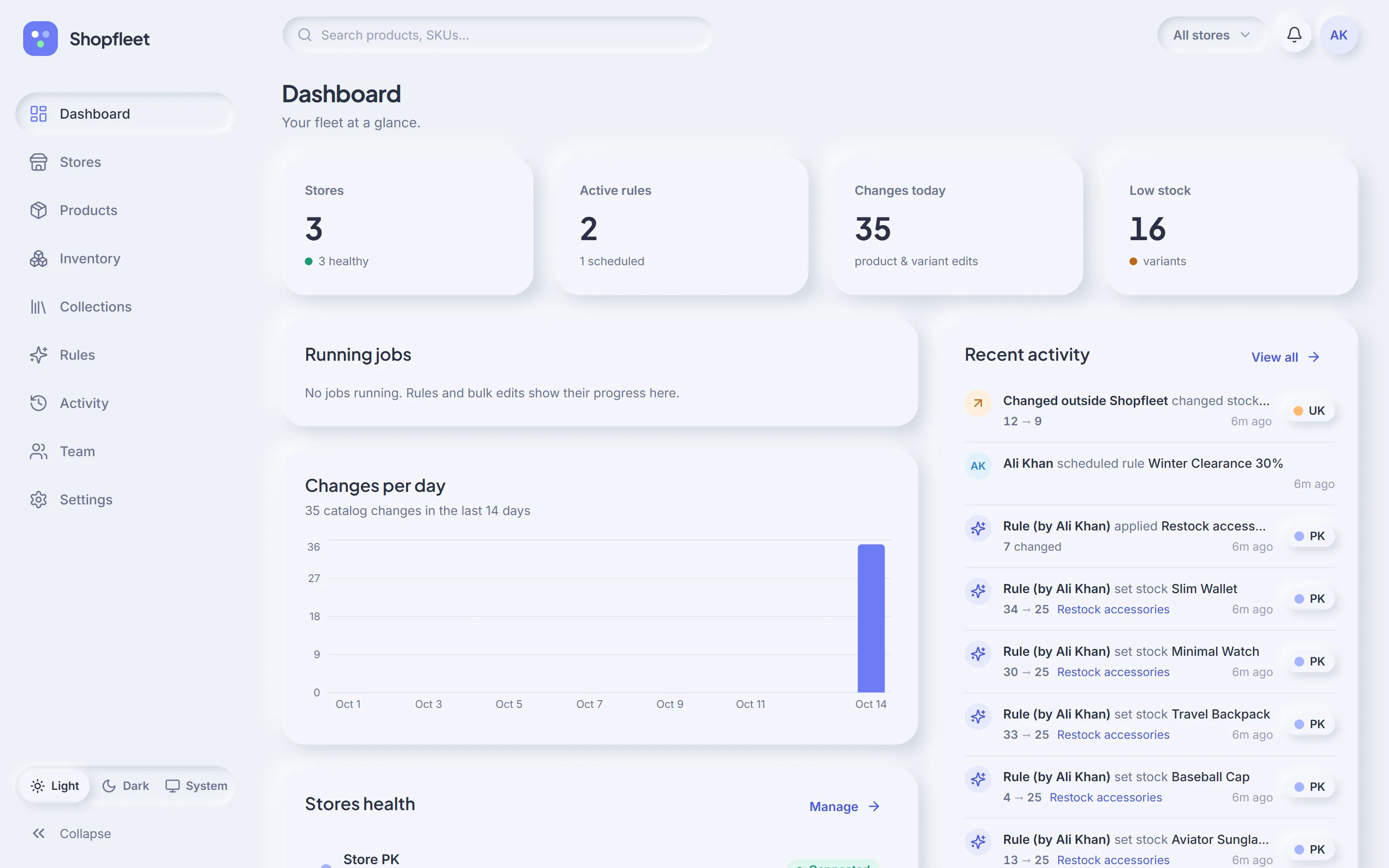
The dashboard answers “is everything OK?” in one look: how many stores are healthy, which rules are live or scheduled, how much changed today, and how many variants are running low.
Store switcher“All stores” in the top bar narrows any page to one store.
Low-stock countVariants running low, counted across every store.
Alerts bellLights up when a store or a rule run needs you.
3
Products · 3 of 10
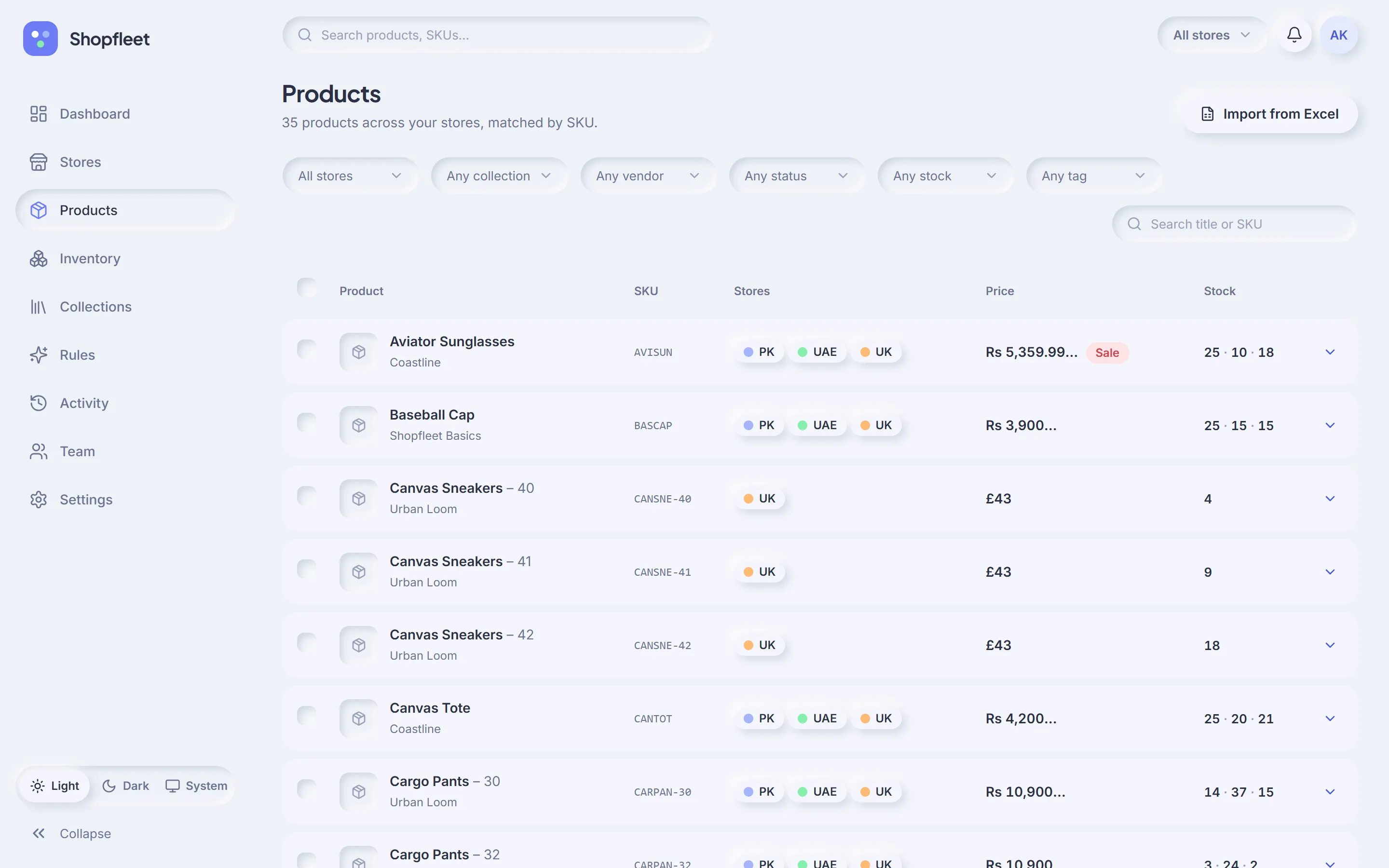
Find any product, in every store
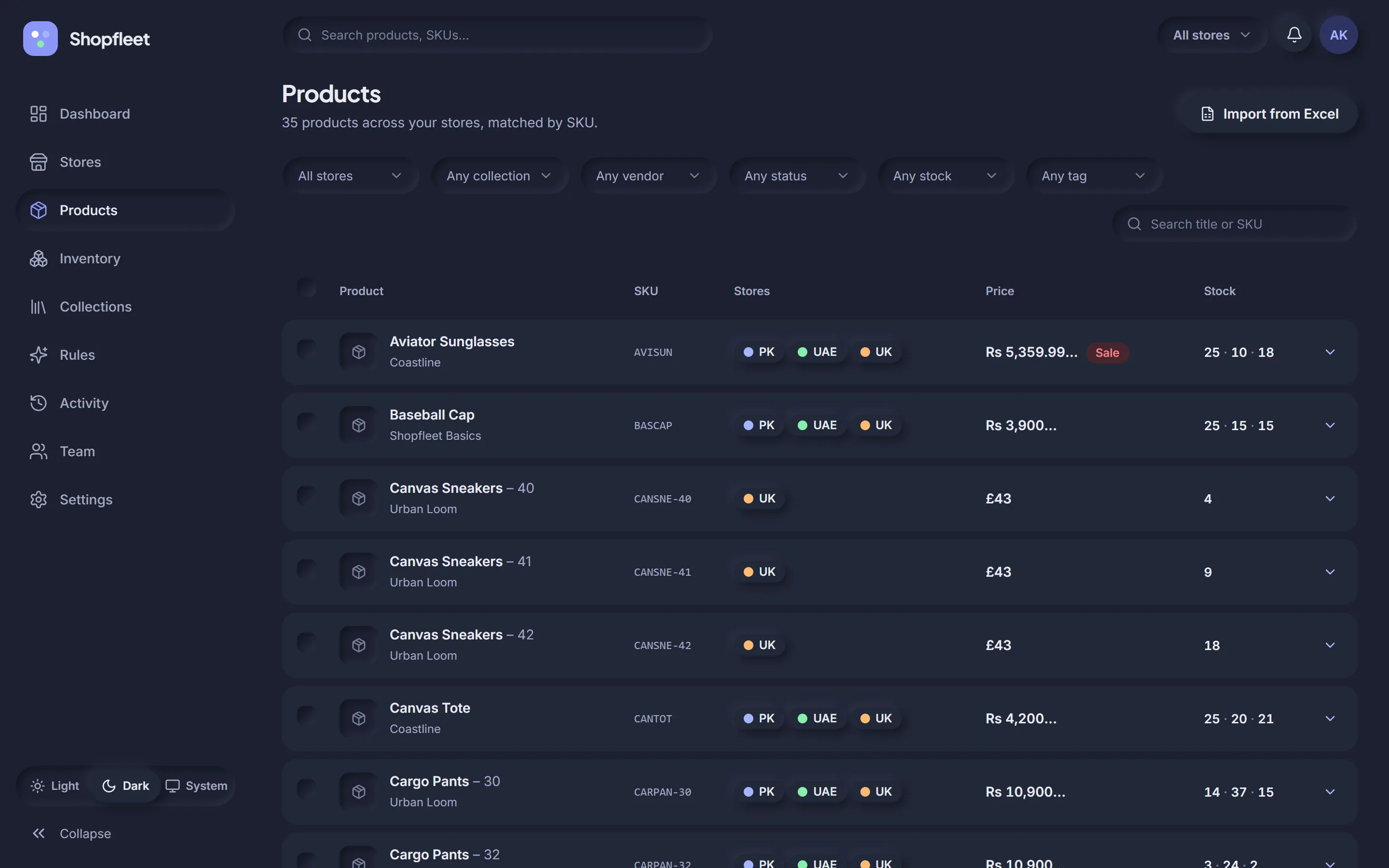
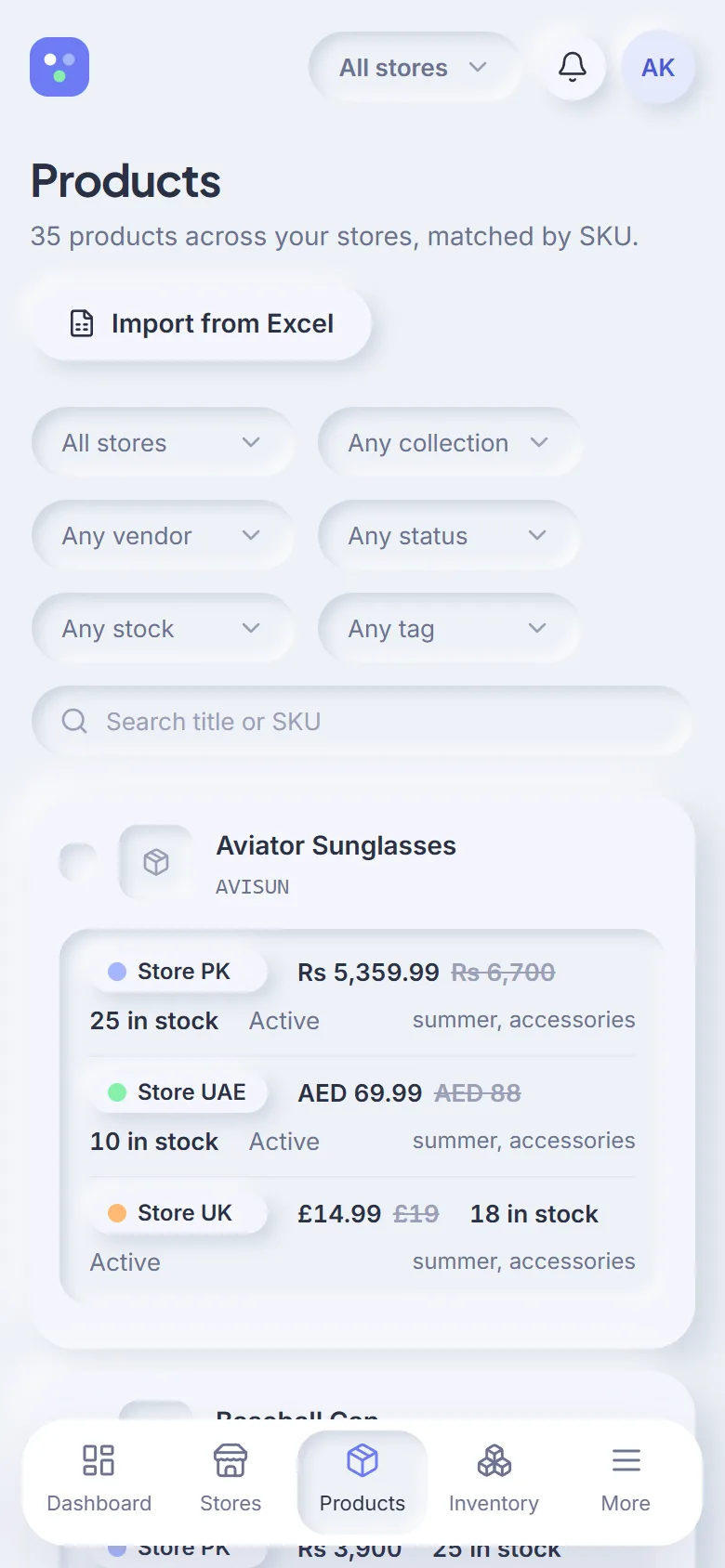
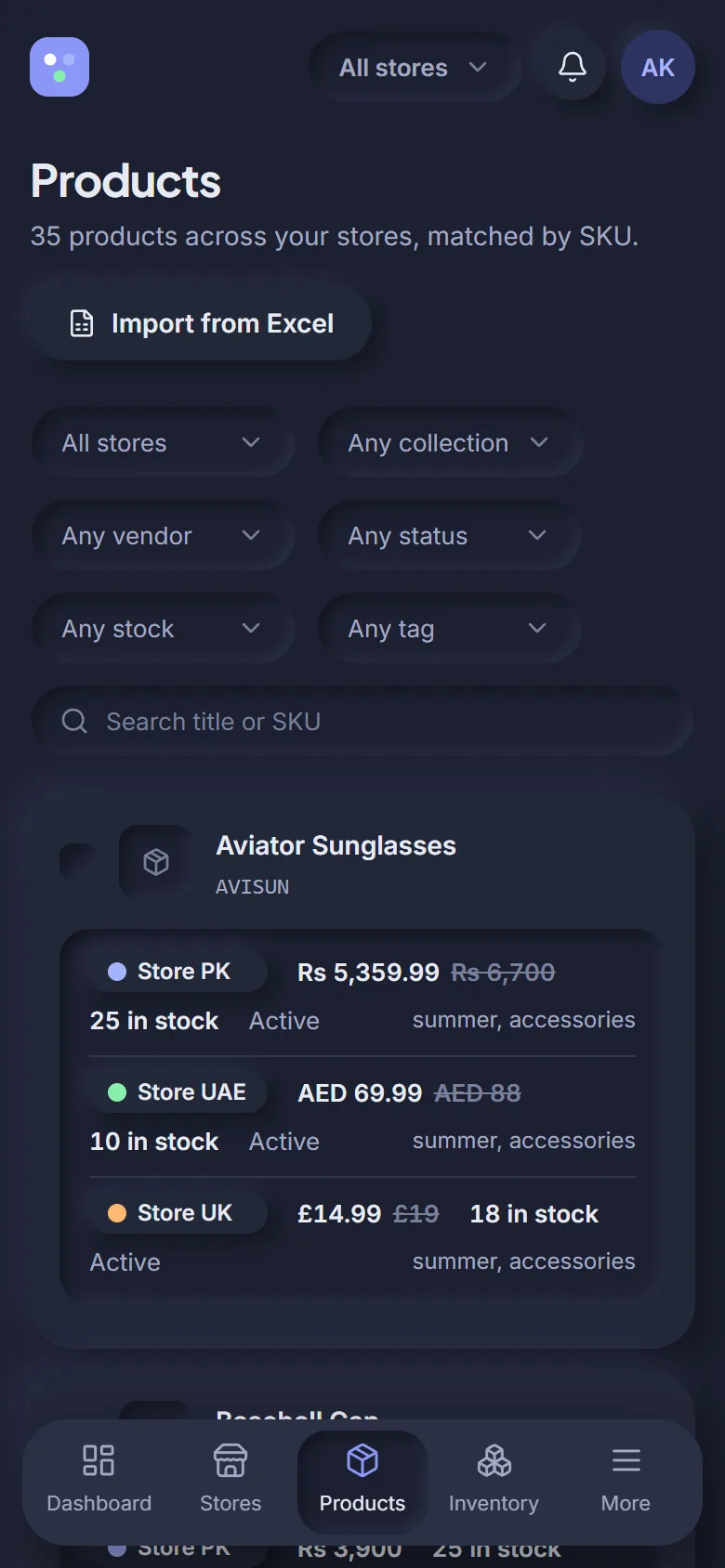
35 products across three stores, matched by SKU. Aviator Sunglasses is one row with PK, UAE and UK chips, its price in rupees, and stock of 25 · 10 · 18. Expand a row to see each store's details.
Six filters + searchStore, collection, vendor, status, stock and tag.
Select & bulk editTick rows, then choose: all, some, or one store.
Import from ExcelMap your columns and preview before applying.
4
Inventory · 4 of 10
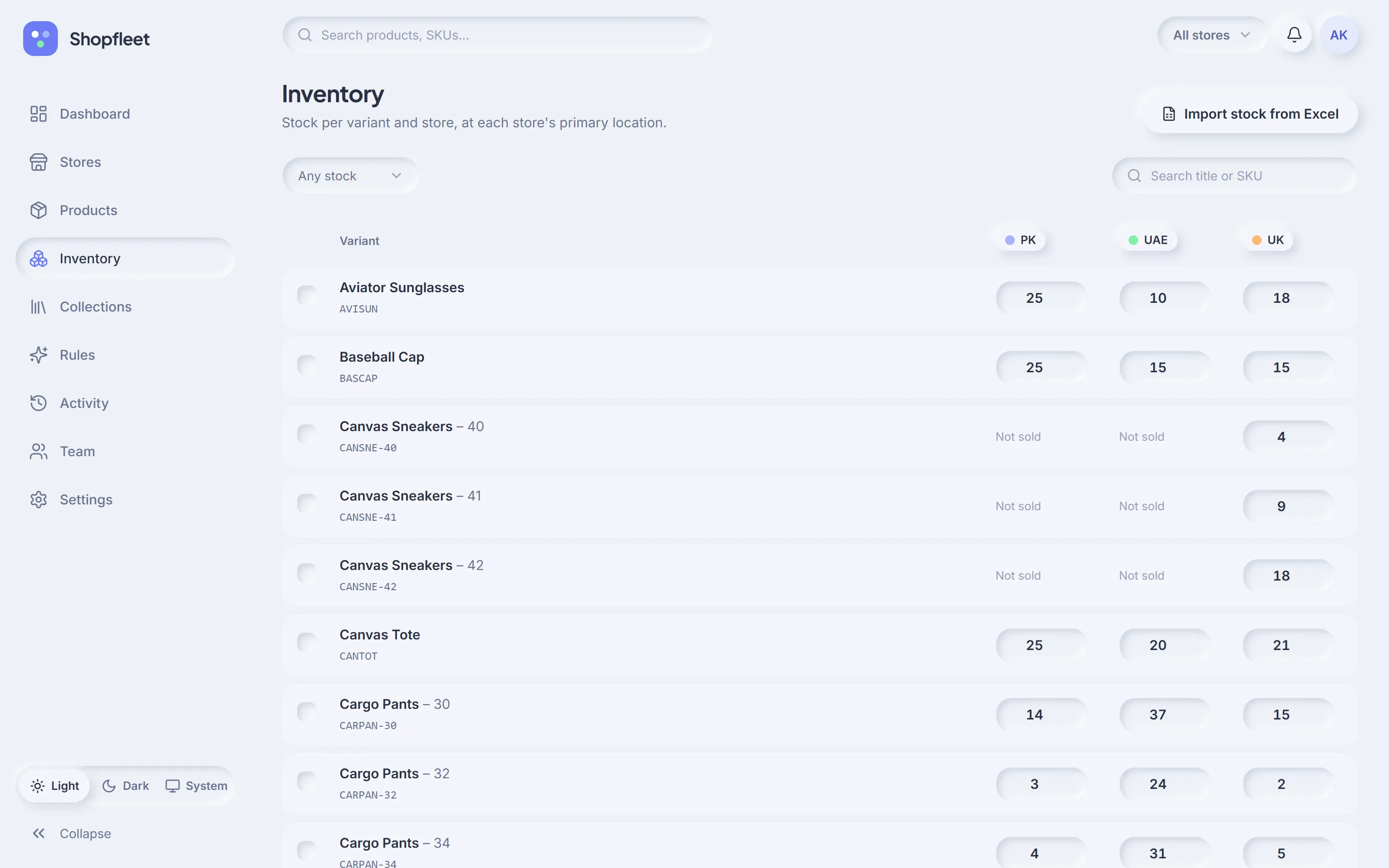
Fix stock in seconds
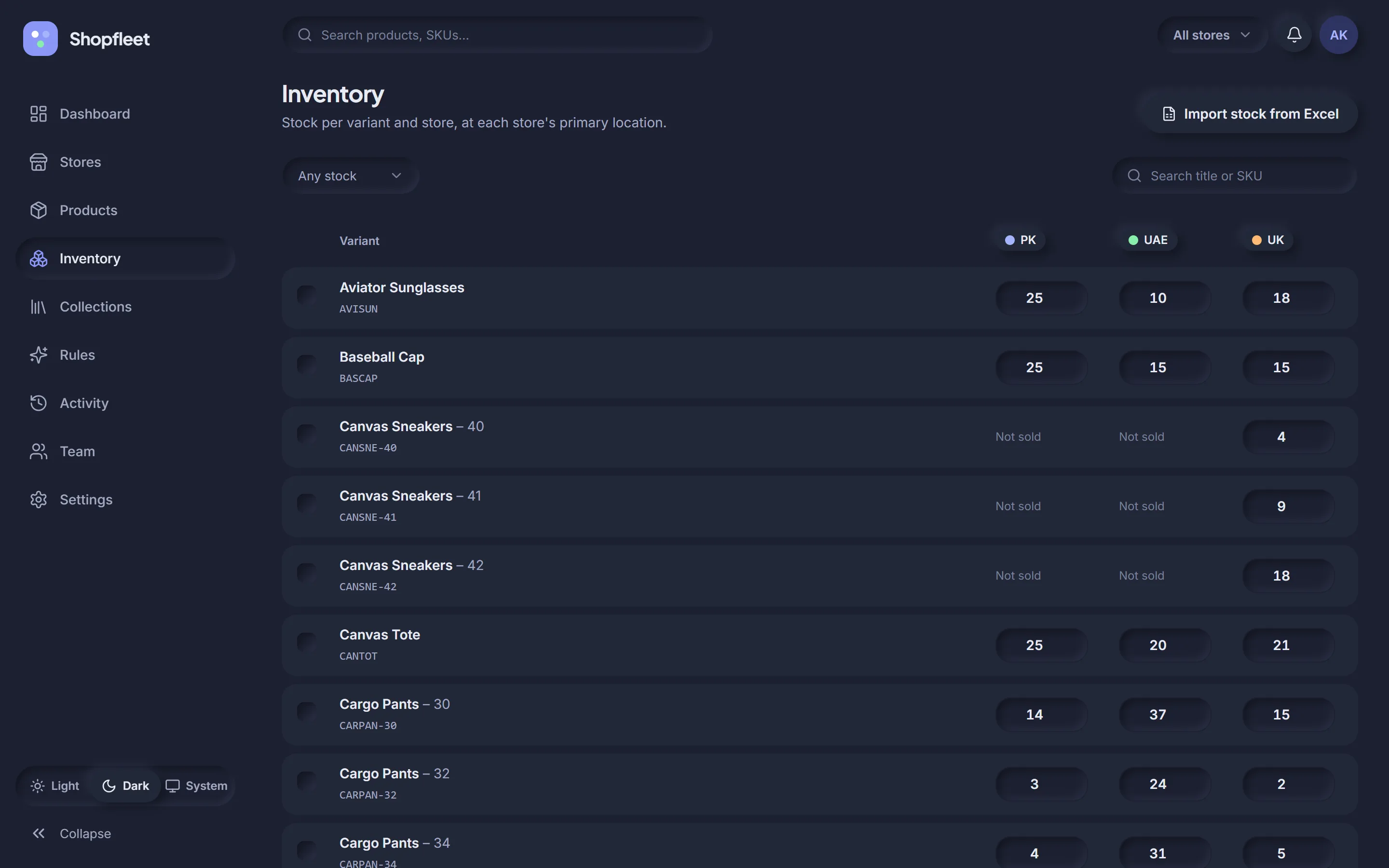
Cargo Pants – 32 has only 3 left in PK and 2 in UK. Click the cell, type the new count, press Enter. Shopfleet updates Shopify behind the scenes and logs the change.
One cell per store“Not sold” where a store doesn't carry it.
No waitingSmall edits run right after you press Enter.
Stock from a sheetGot a warehouse export? Import it.
5
Collections · 5 of 10
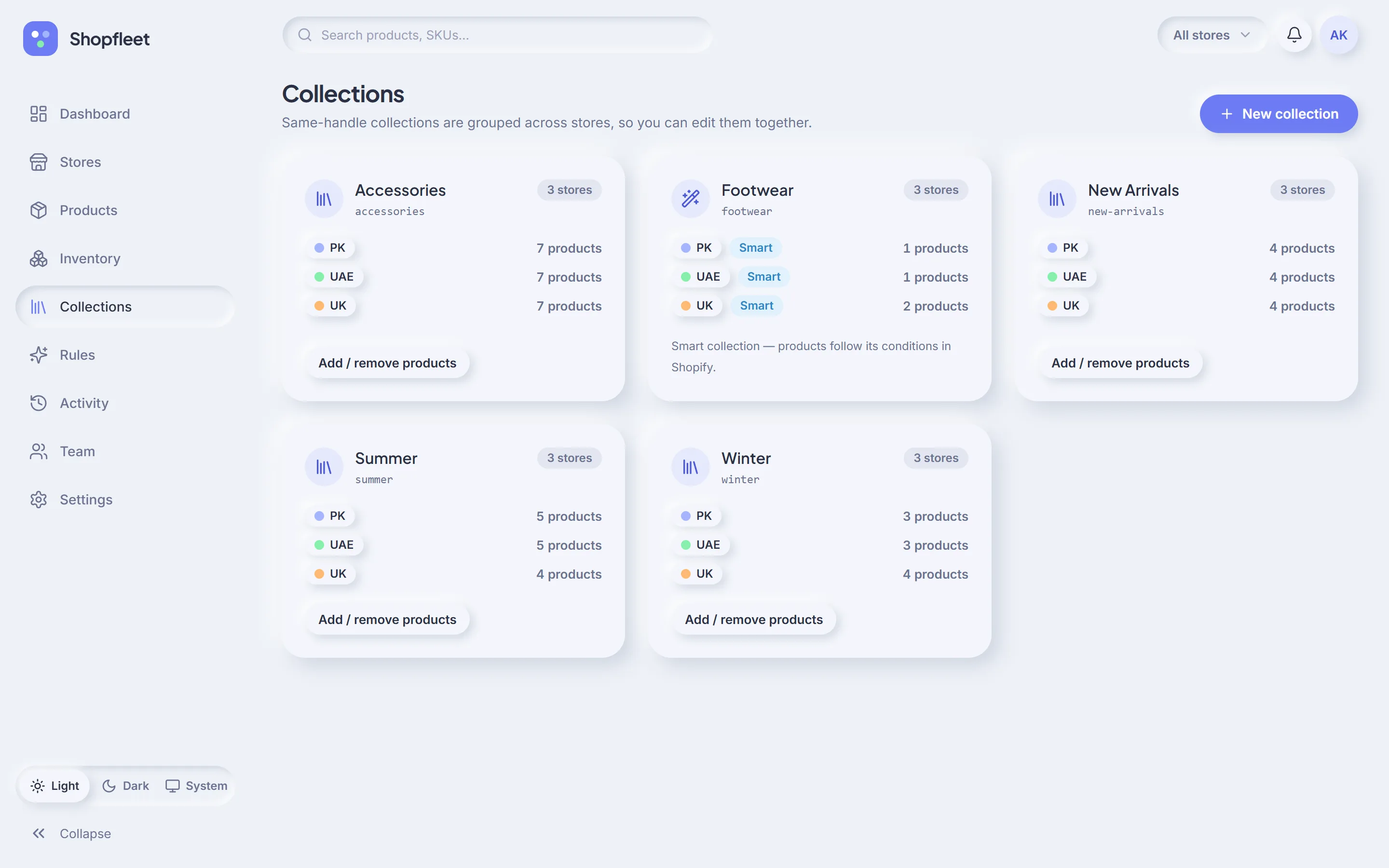
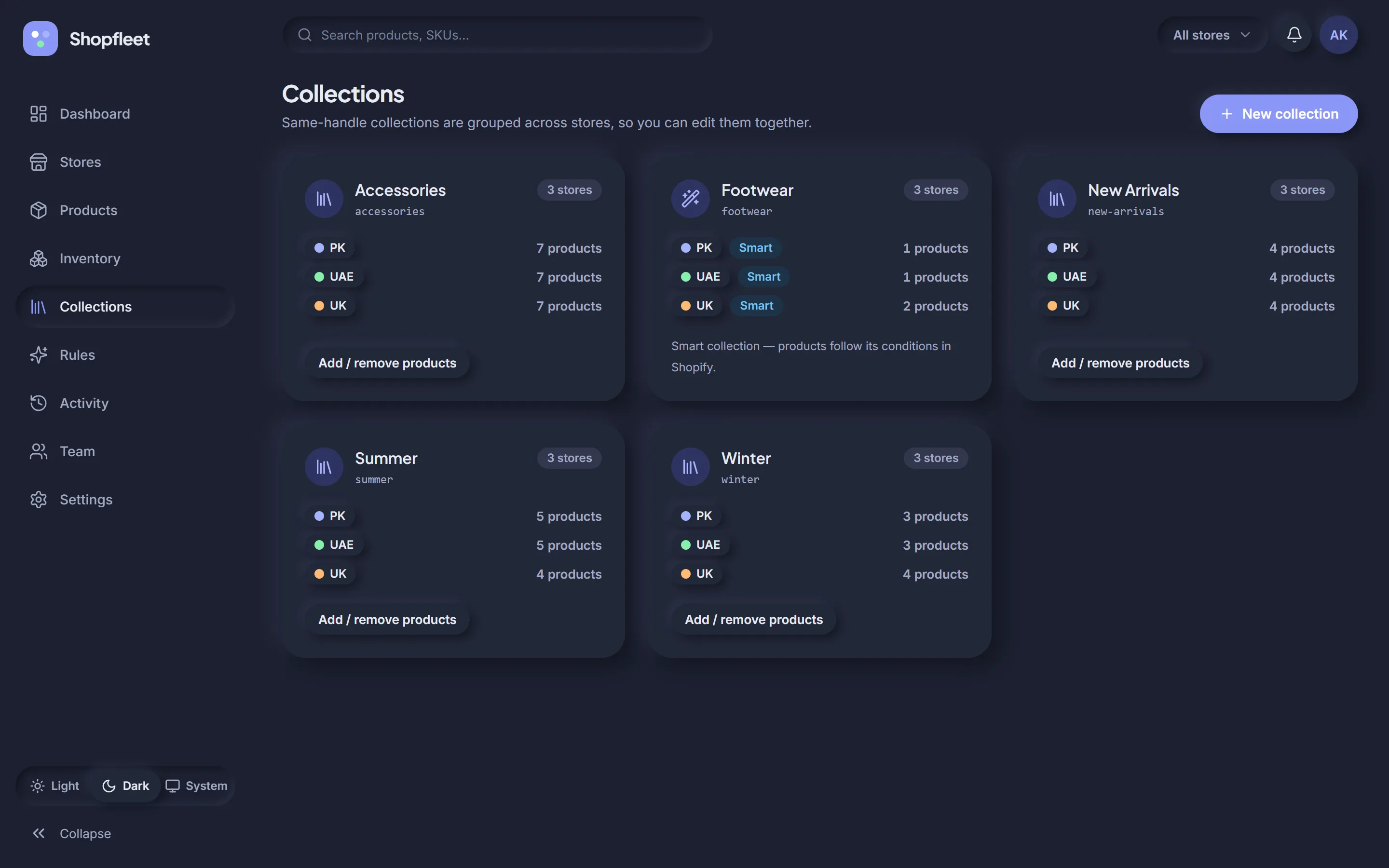
Line up your collections
The sale is for the Summer collection. Shopfleet groups “summer” from all three stores into one card, so you can see it holds 5, 5 and 4 products — and add the missing one to UK without leaving the page.
6
Rules · 6 of 10
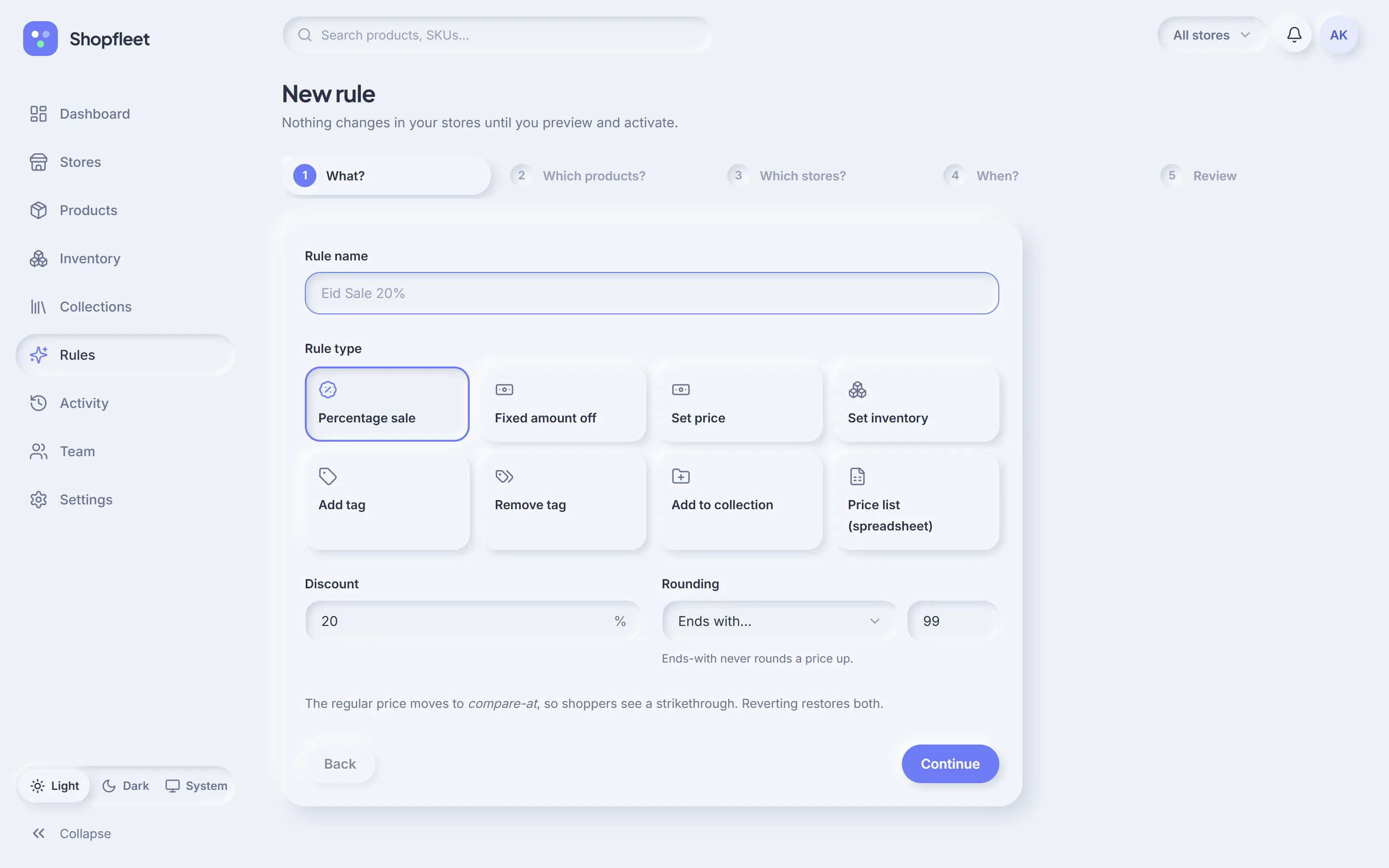
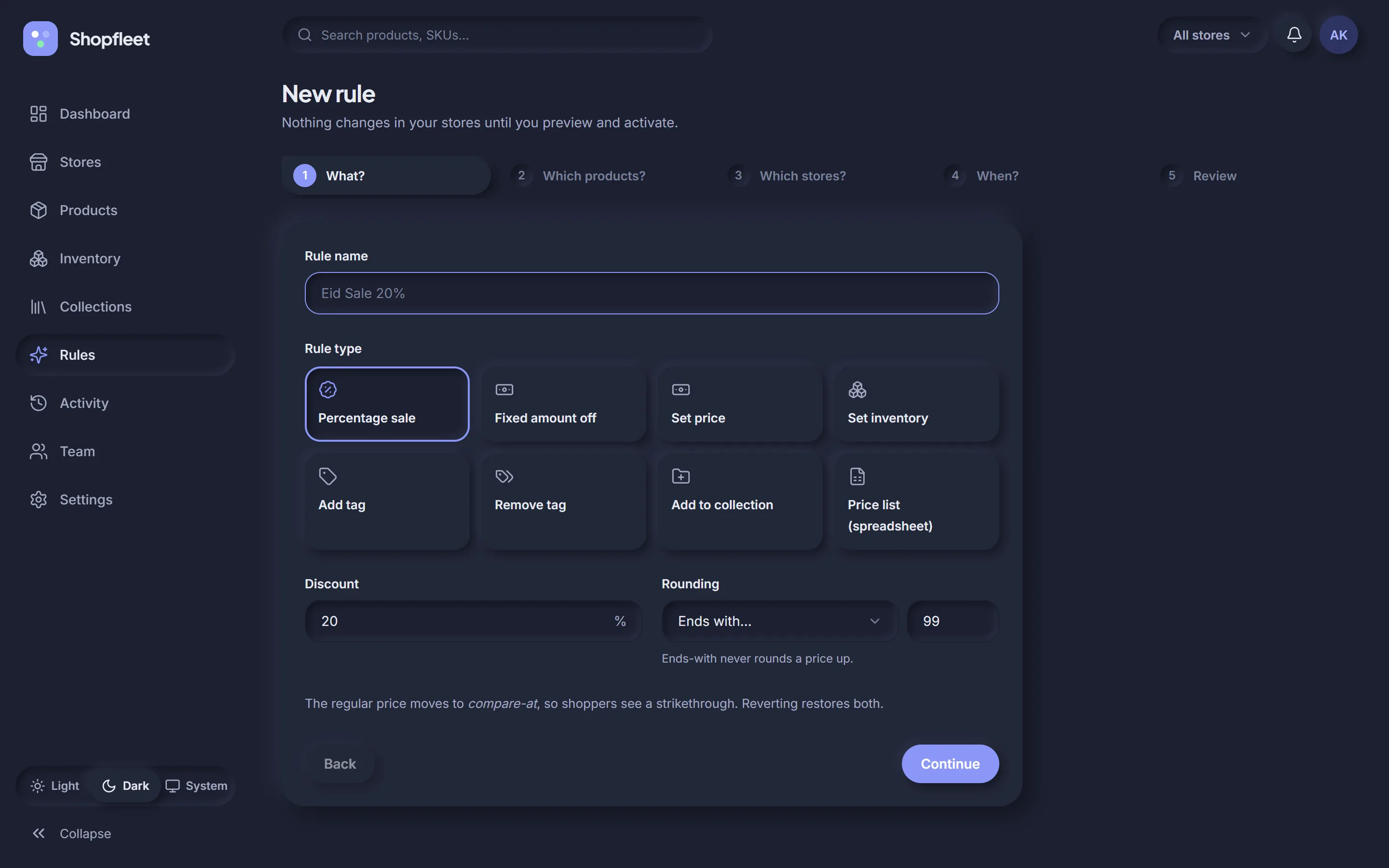
Build the Eid sale
New rule → Percentage sale, 20% off, rounding “ends with 99”. Next: target the Summer collection. Next: all stores. Next: start now. Then review.
Nothing changes in your stores until you've seen the preview and pressed Activate. A rule touching more than 500 variants also asks you to type APPLY.
7
Rule run · 7 of 10
Watch it run — and undo it
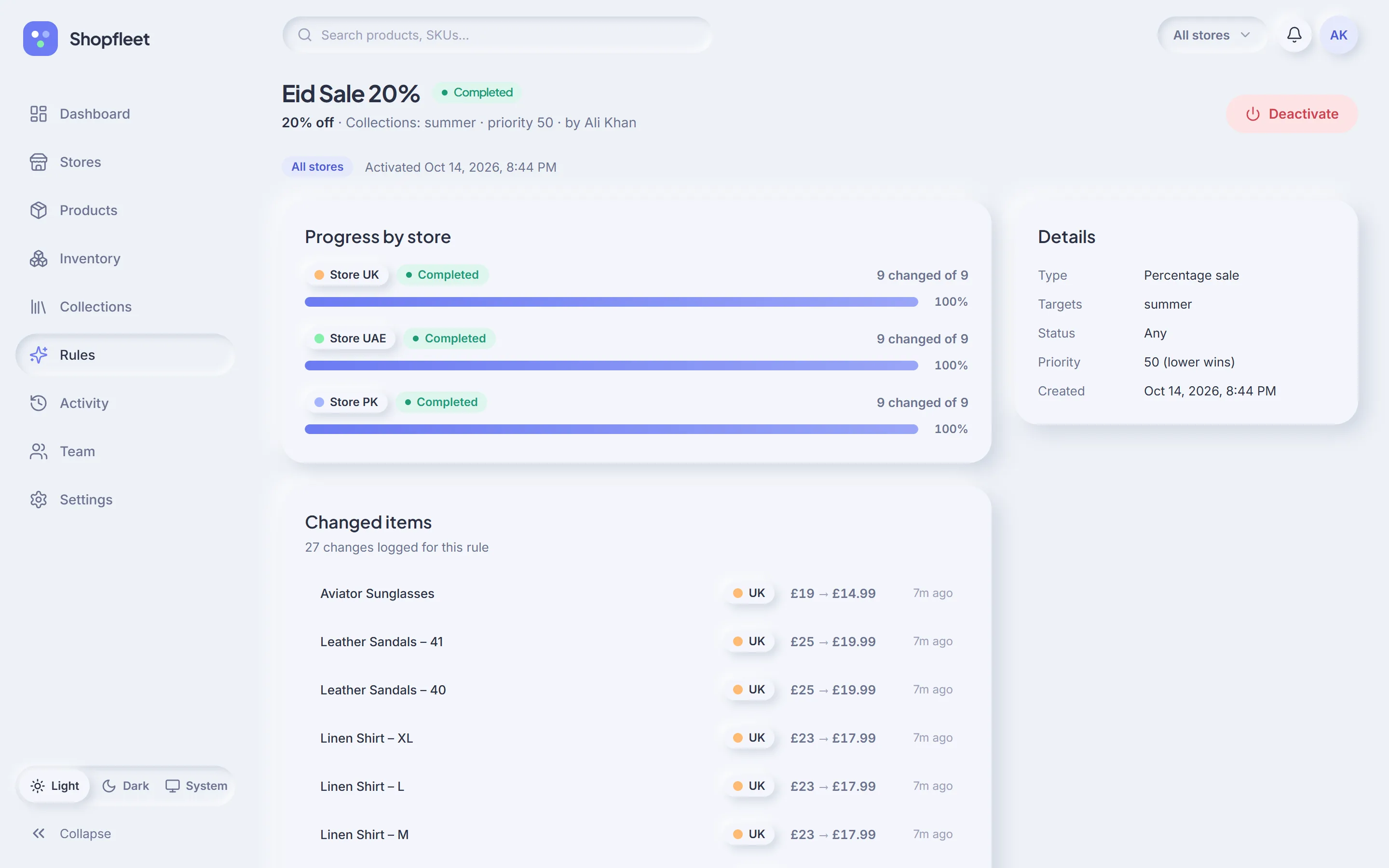
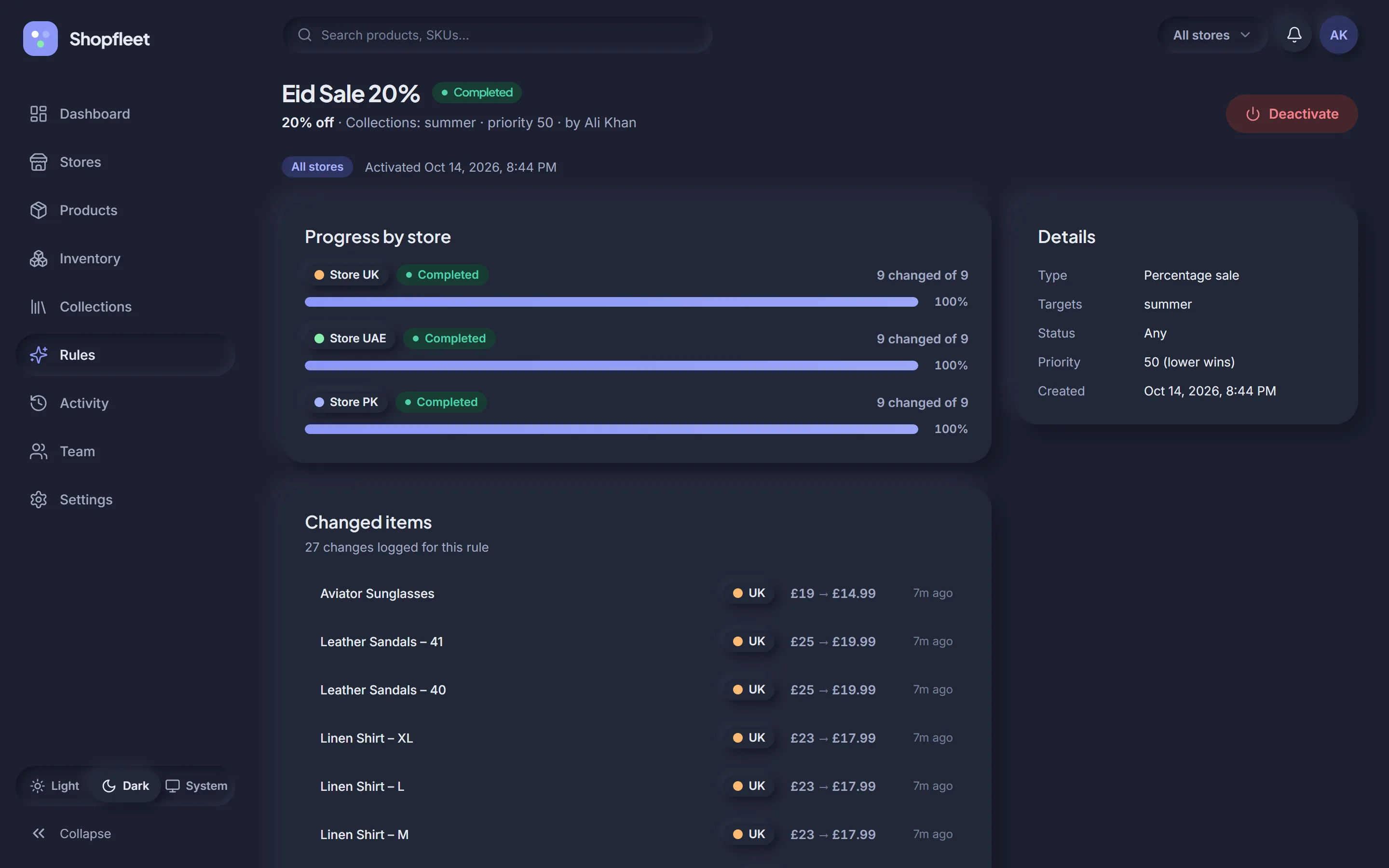
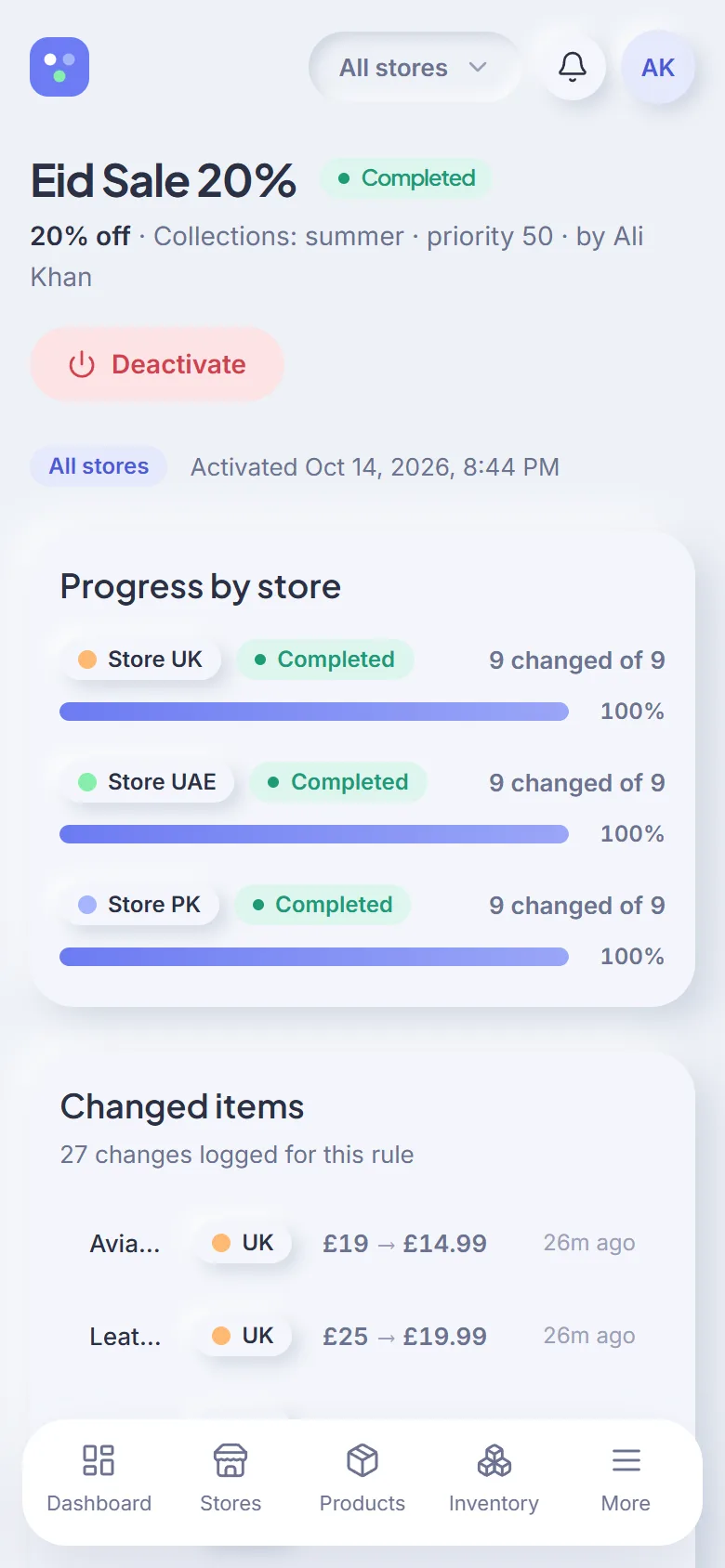
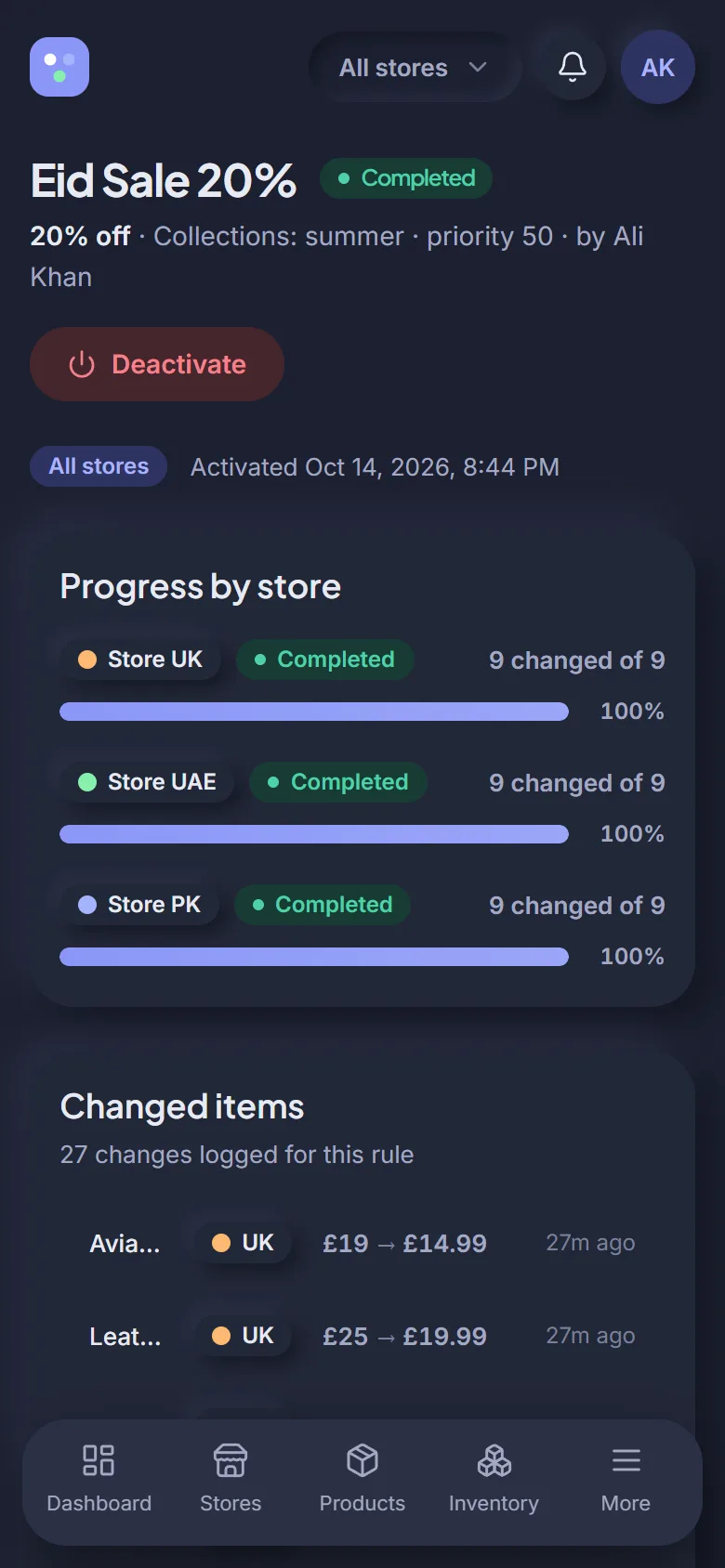
Activated. Progress fills store by store until all 27 variants are done. Aviator Sunglasses in the UK went from £19 to £14.99, and £19 is now the compare-at price. When Eid is over, Deactivate puts every price back.
Background batchesClose the tab — it keeps going within Shopify's limits.
Failures listedRetry only the items that failed.
One-click revertRestores price and compare-at from snapshots.
8
Activity · 8 of 10
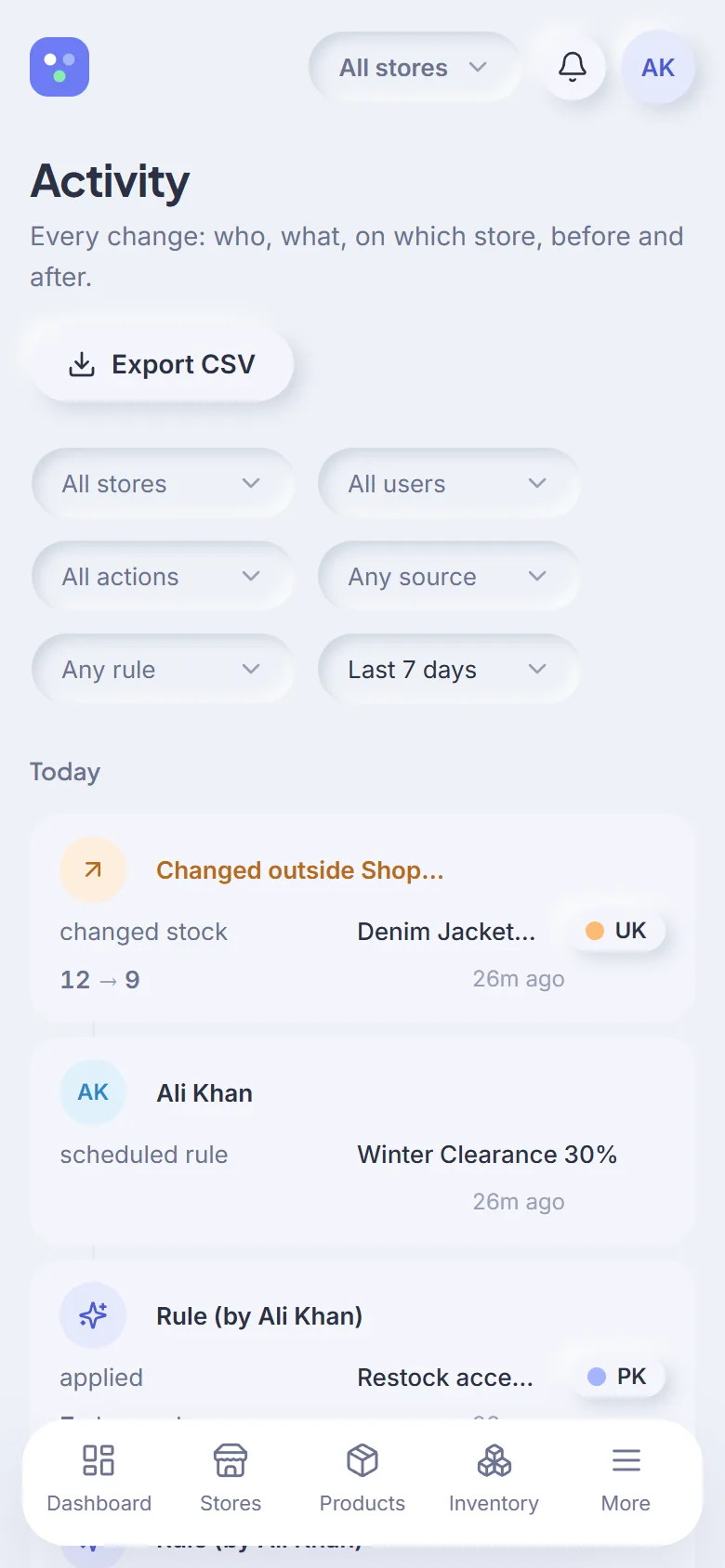
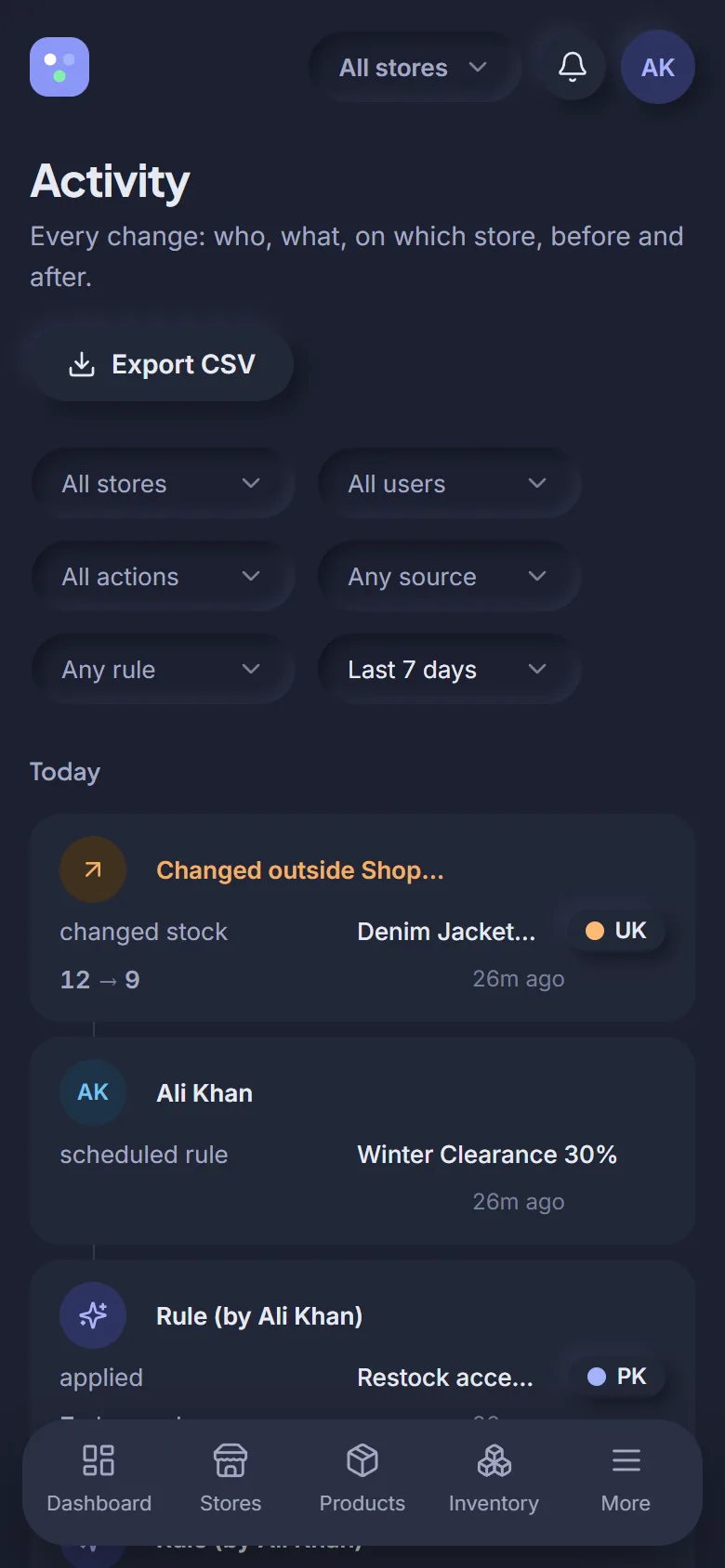
Check who changed what
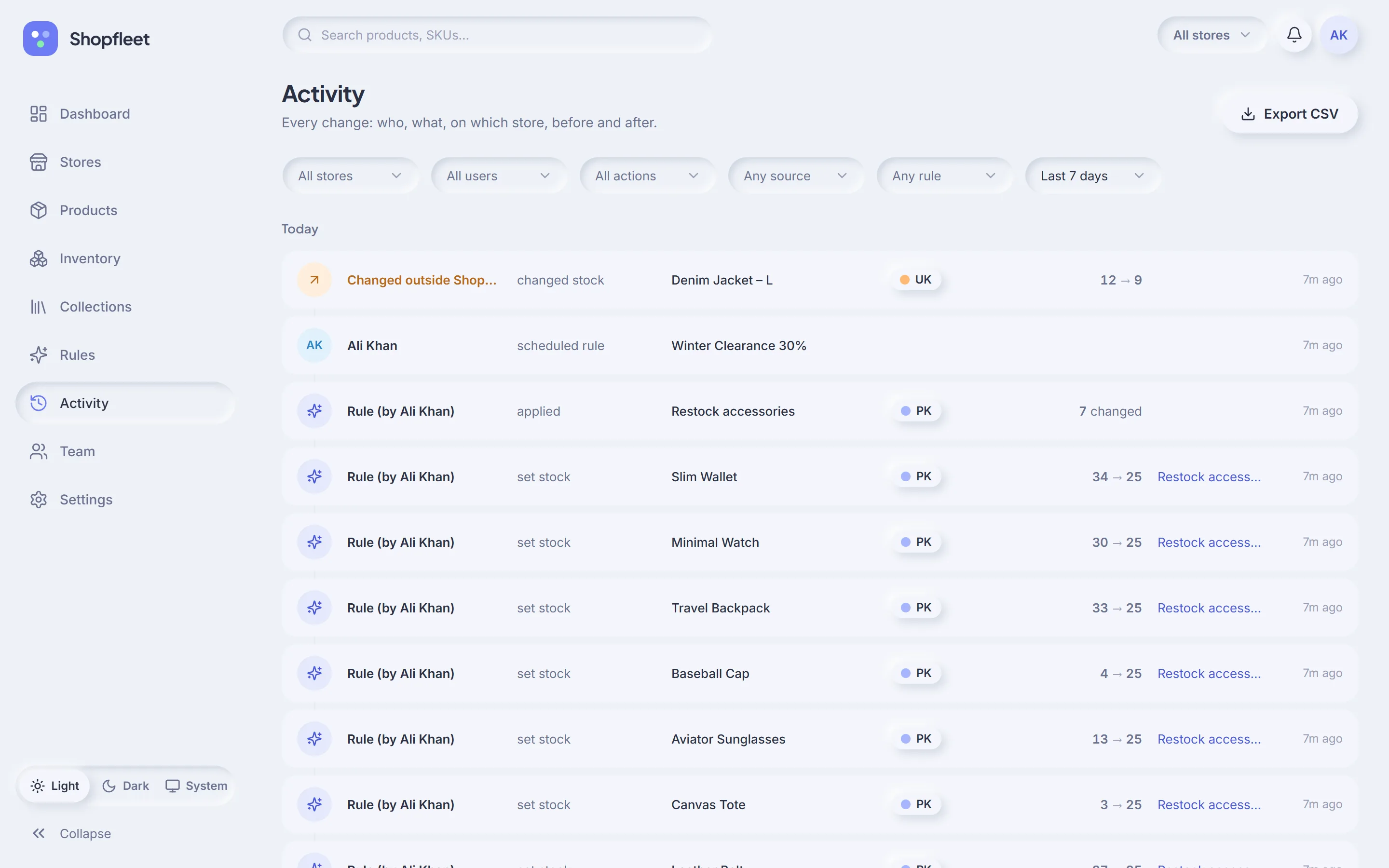
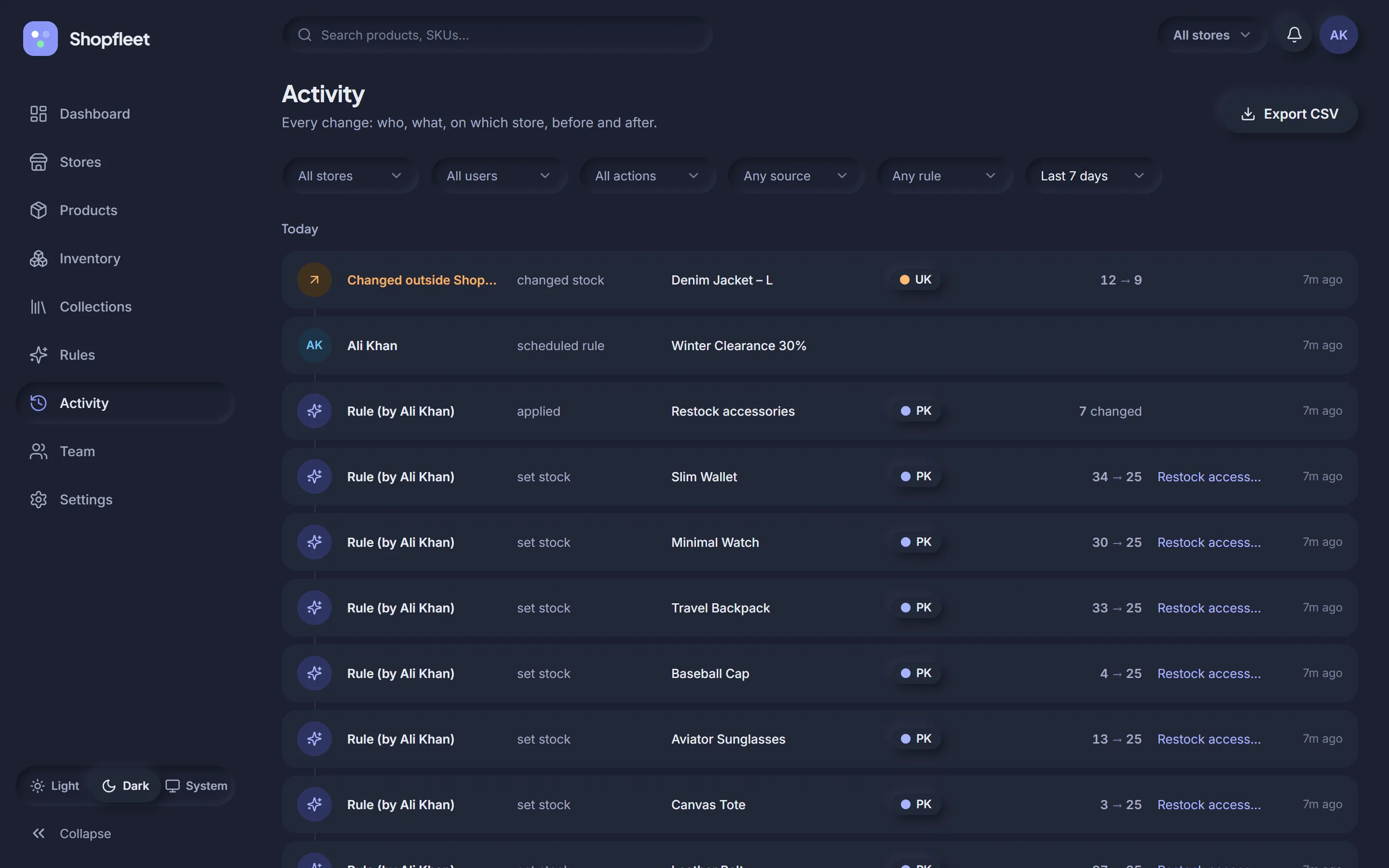
Every change from the sale is in the log. So is the one at the top: someone changed Denim Jacket – L stock from 12 to 9 directly in Shopify admin. Shopfleet caught it and marked it Changed outside Shopfleet.