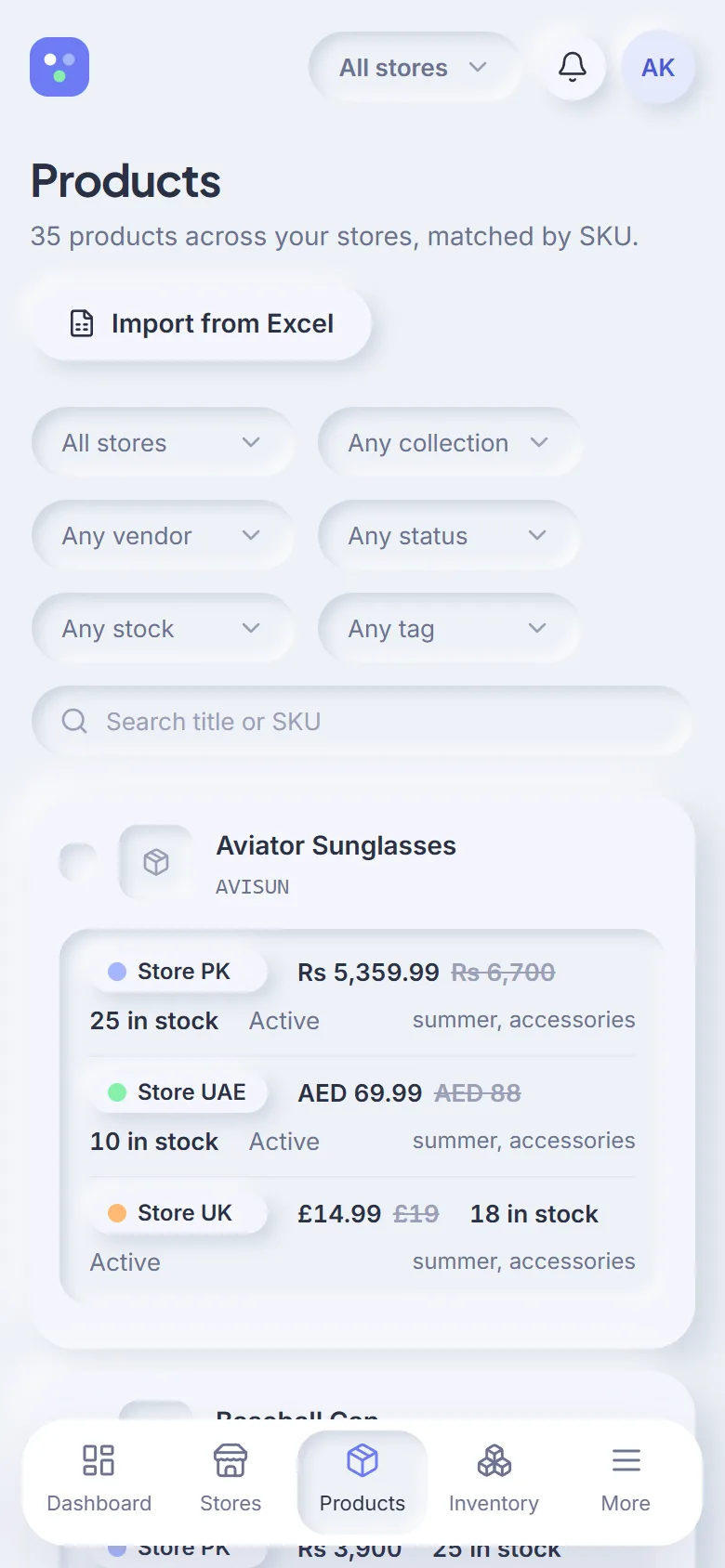
One catalog, every store
Products from all your stores in one table, matched by SKU or handle. Filter by store, collection, vendor, tag, status or stock.
Shopfleet connects all your Shopify stores to one dashboard. Run a sale on three stores at once, fix stock everywhere in a minute, and see exactly who changed what — with a preview before and a one-click revert after.
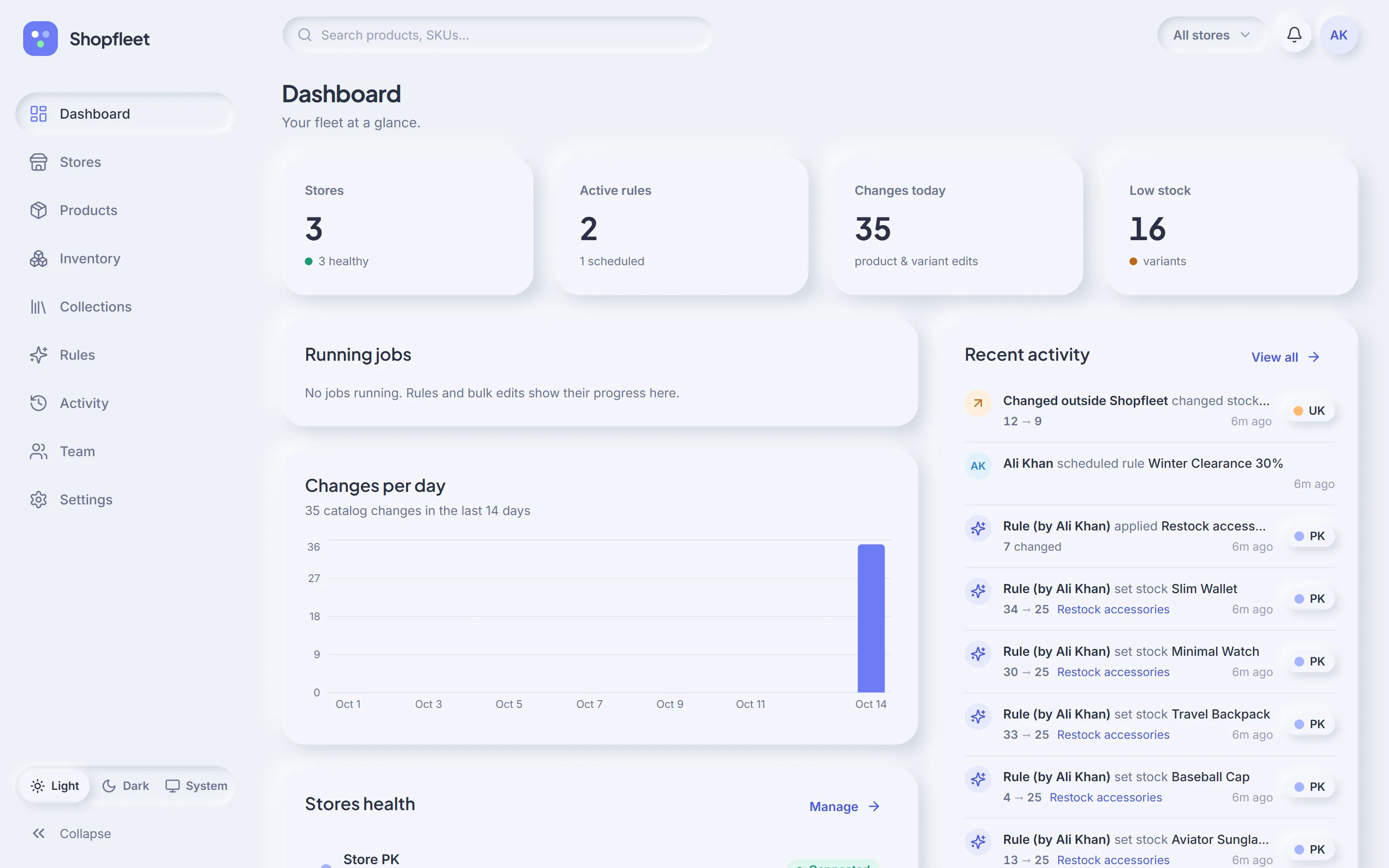
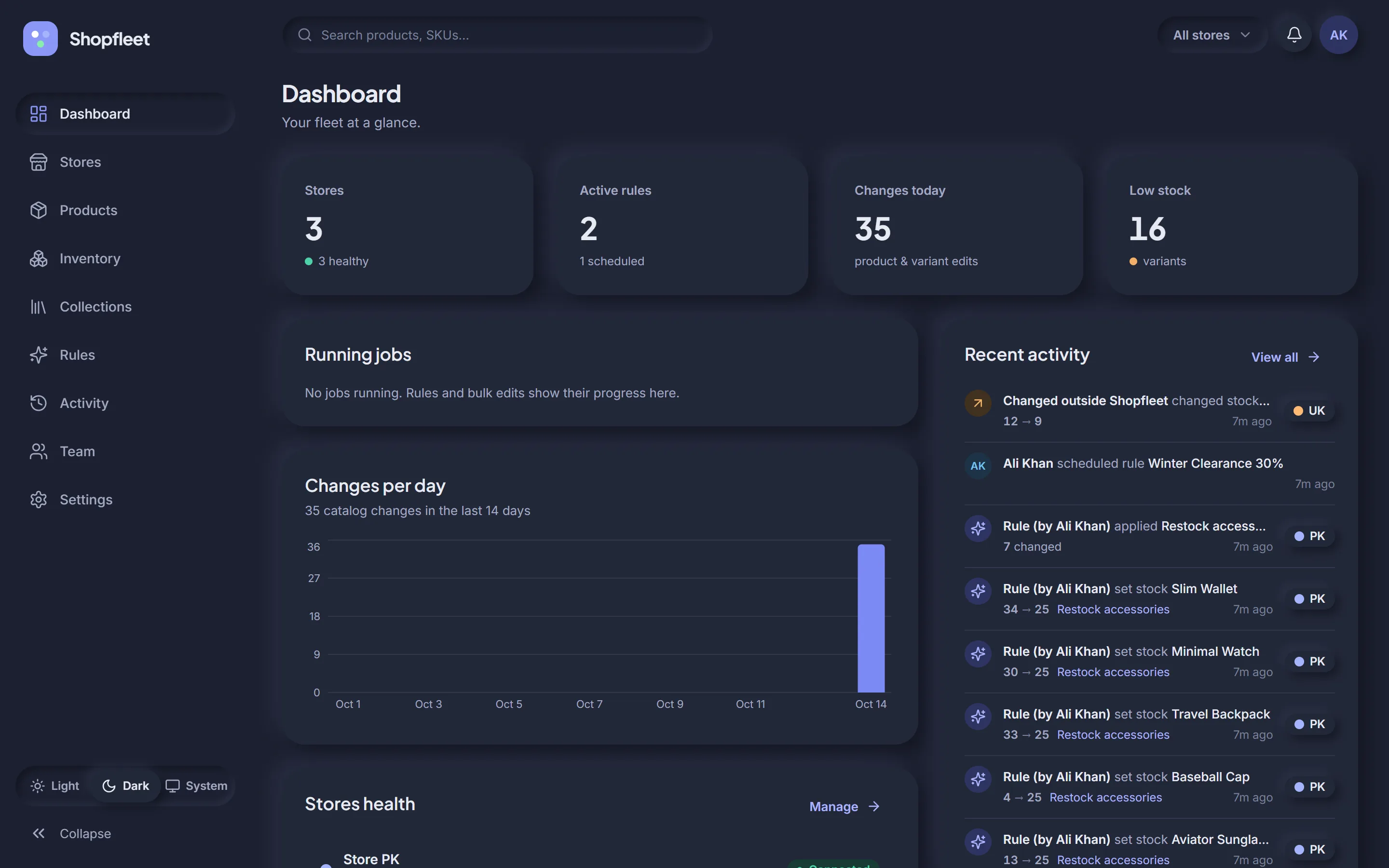
Everything you do in Shopify admin store by store, Shopfleet does across all of them — safely, and with a record of every change.
Products from all your stores in one table, matched by SKU or handle. Filter by store, collection, vendor, tag, status or stock.
“20% off Summer on PK and UAE.” Percentage or fixed sales, set price, set stock, tags and collections — on all stores or a few.
See exactly which variants change and their new prices before anything touches Shopify. Changed your mind? One click puts it all back.
Every edit is logged with person, store, item and before → after. Edits made directly in Shopify admin show up too.
Start a sale at midnight in each store's own time zone and end it automatically. No alarms, no forgotten discounts.
Owner, Admin, Editor and Viewer roles. Limit an editor to just the stores they manage. Enforce two-factor sign-in.
Real screens from Shopfleet, running a demo fleet of three regional stores. Want the full story? Take the step-by-step tour →
Store health, running and scheduled rules, today's changes and low-stock alerts across every store — on one screen.
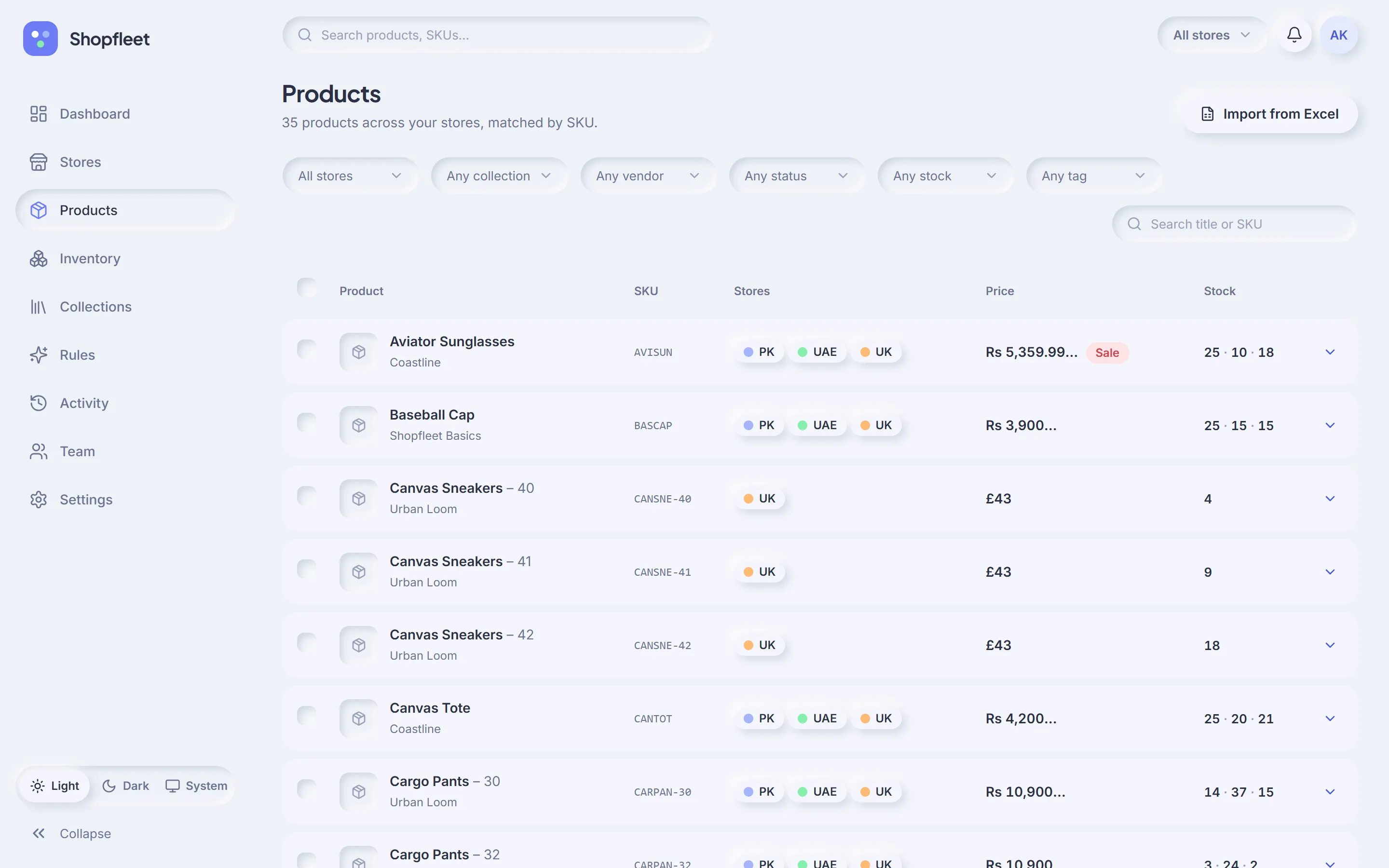
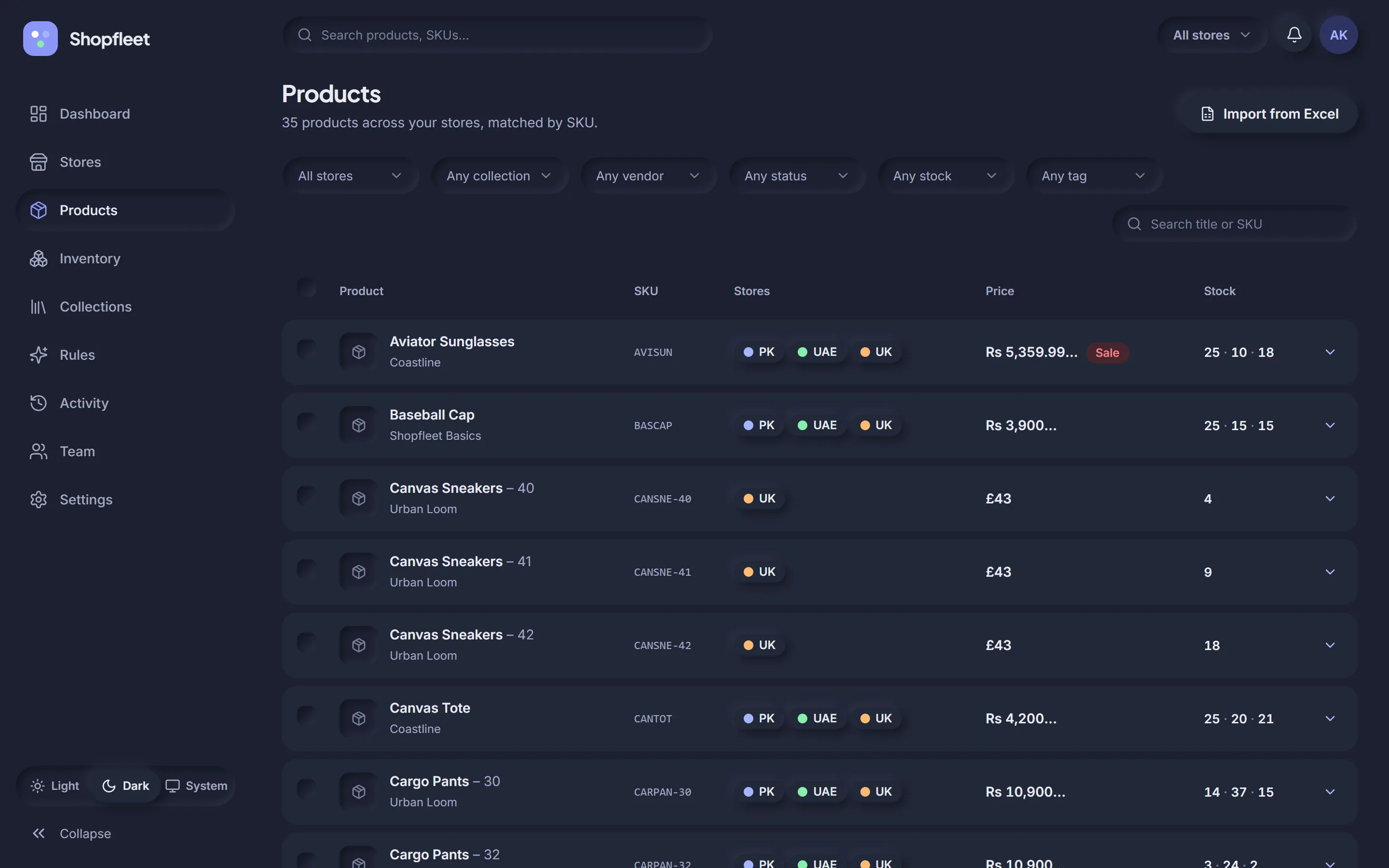
The same product in PK, UAE and UK is one row, with each store's price in its own currency and stock side by side.
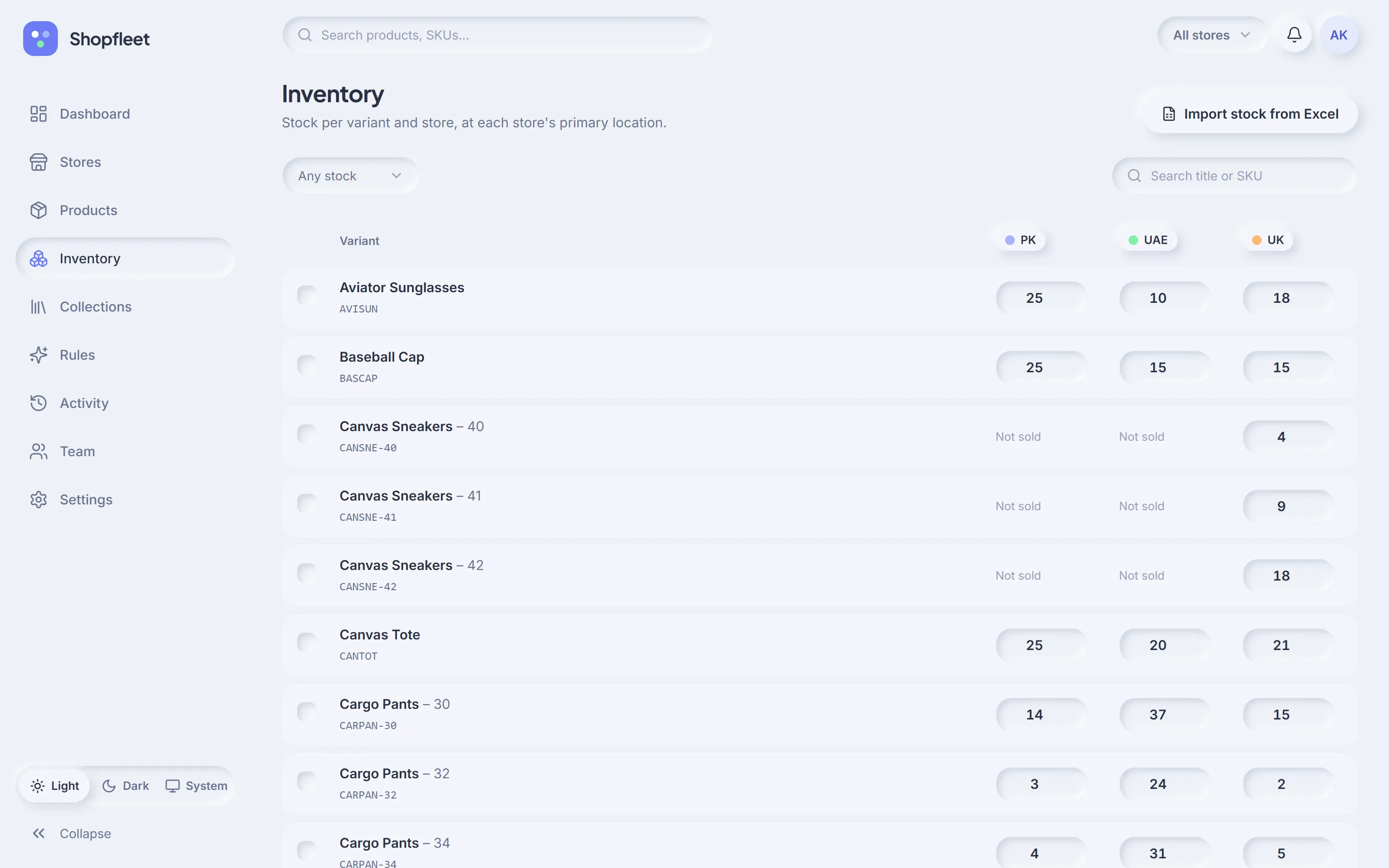
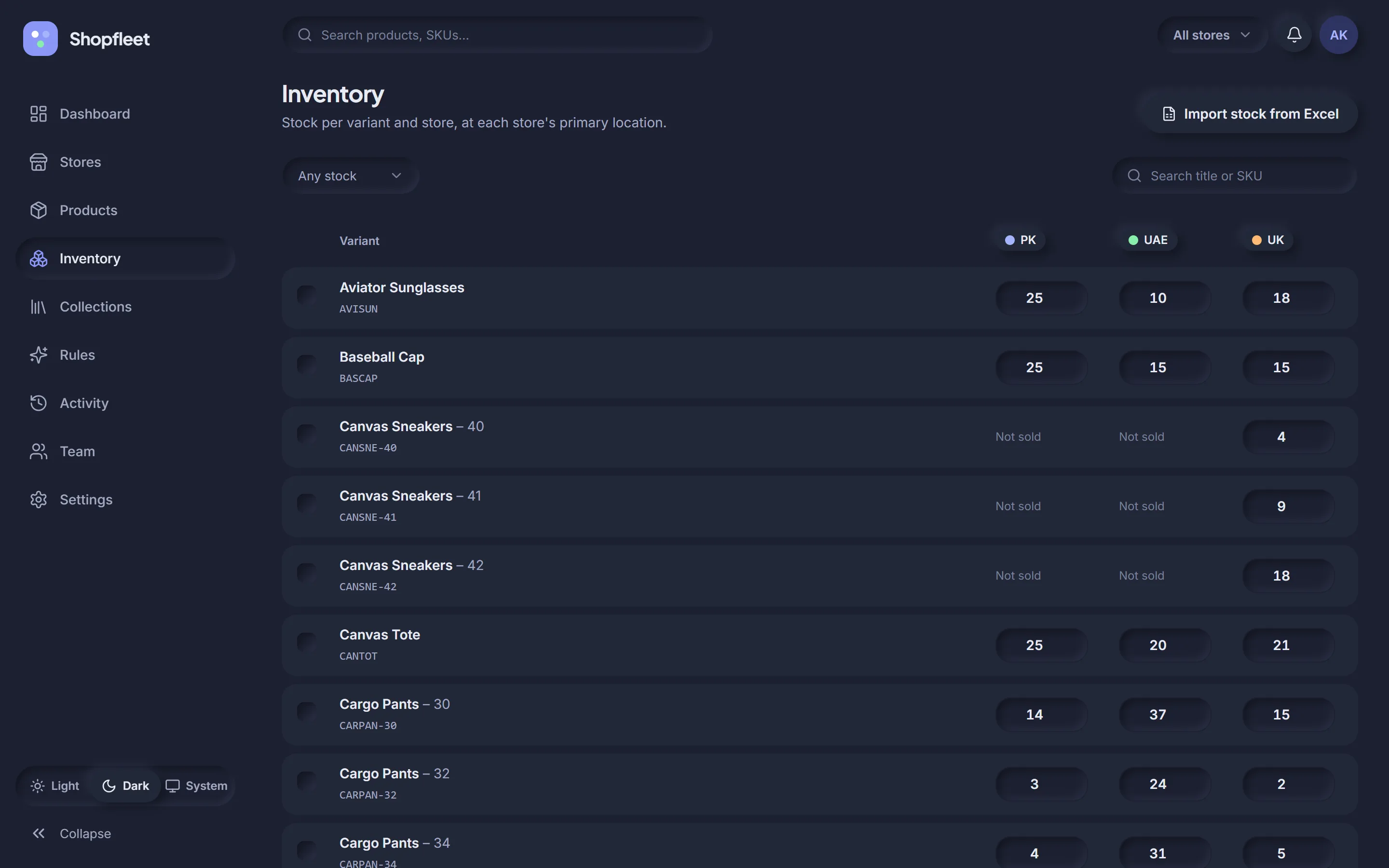
Every variant down the side, every store across the top. Click a cell, type the number, done — it syncs to Shopify in the background.
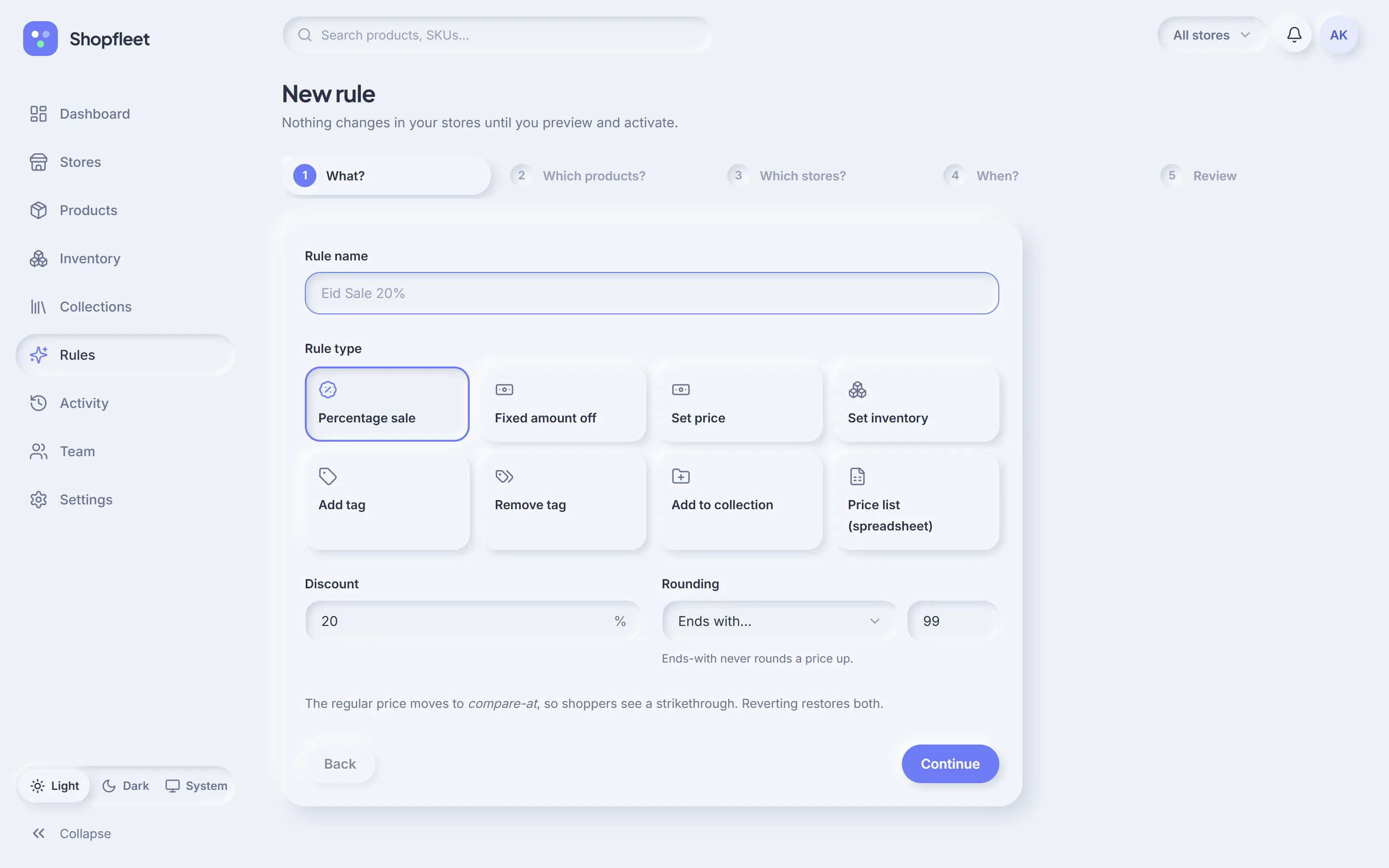
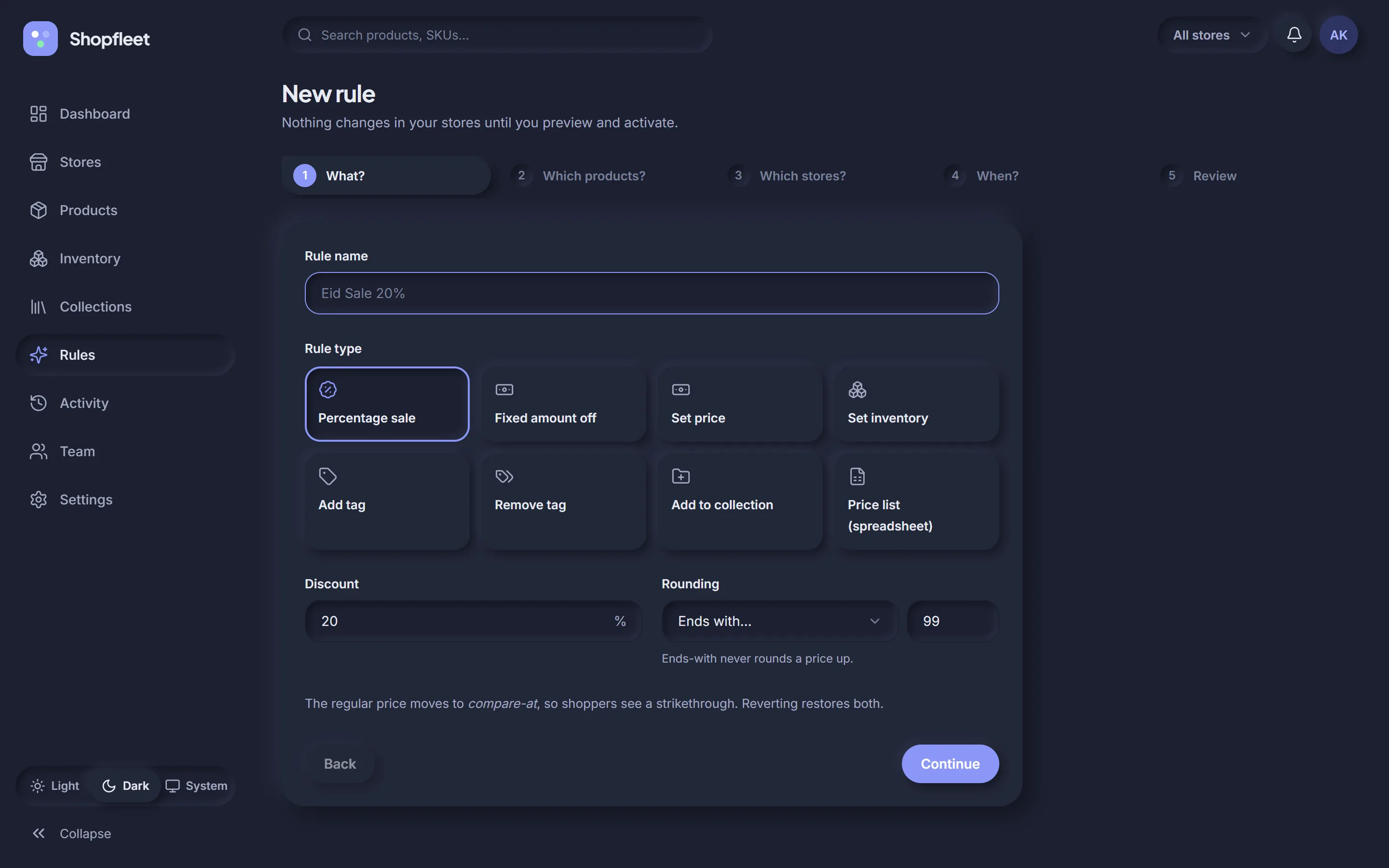
What, which products, which stores, when — then review. Nothing changes in your stores until you've seen the preview and pressed activate.
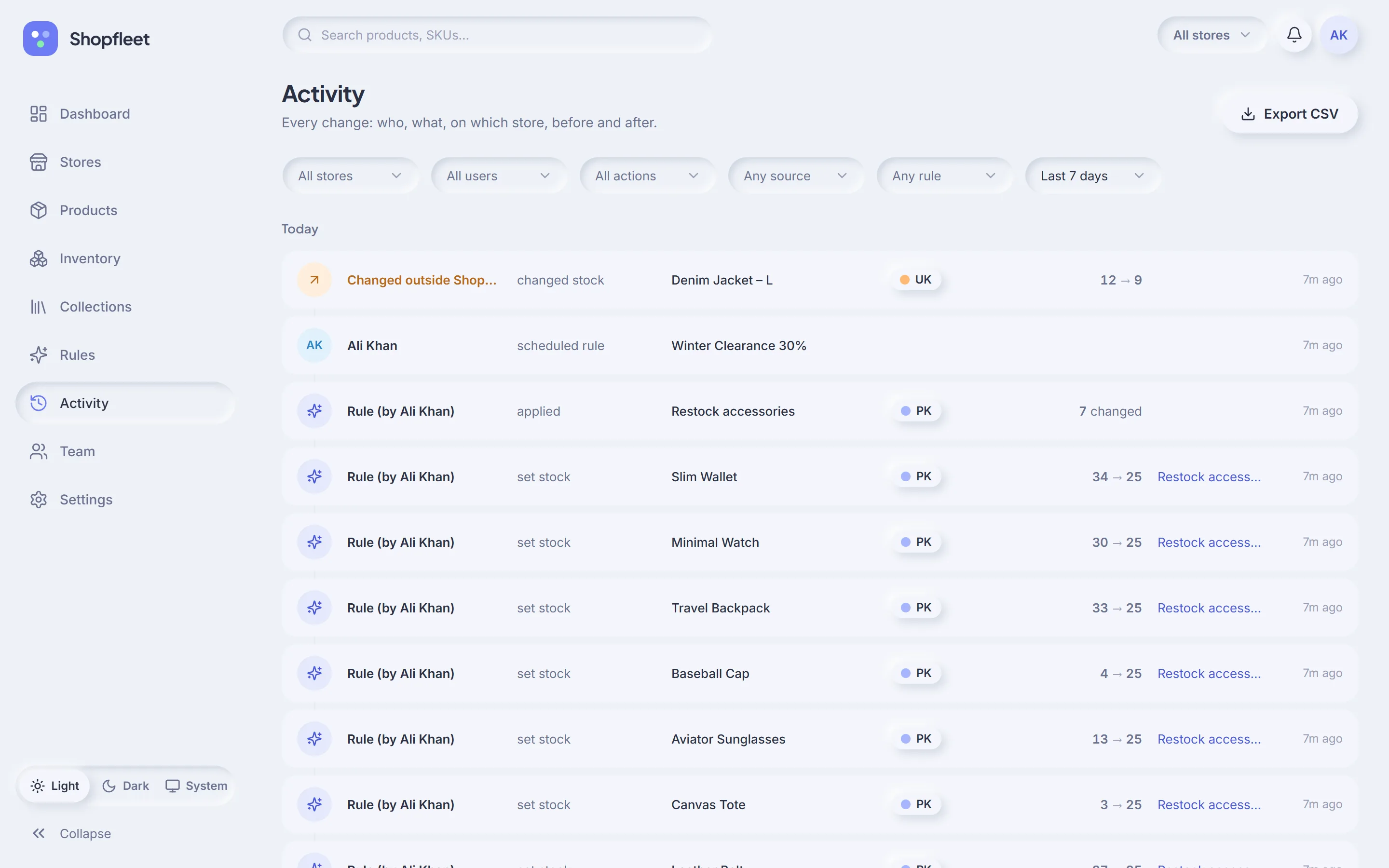
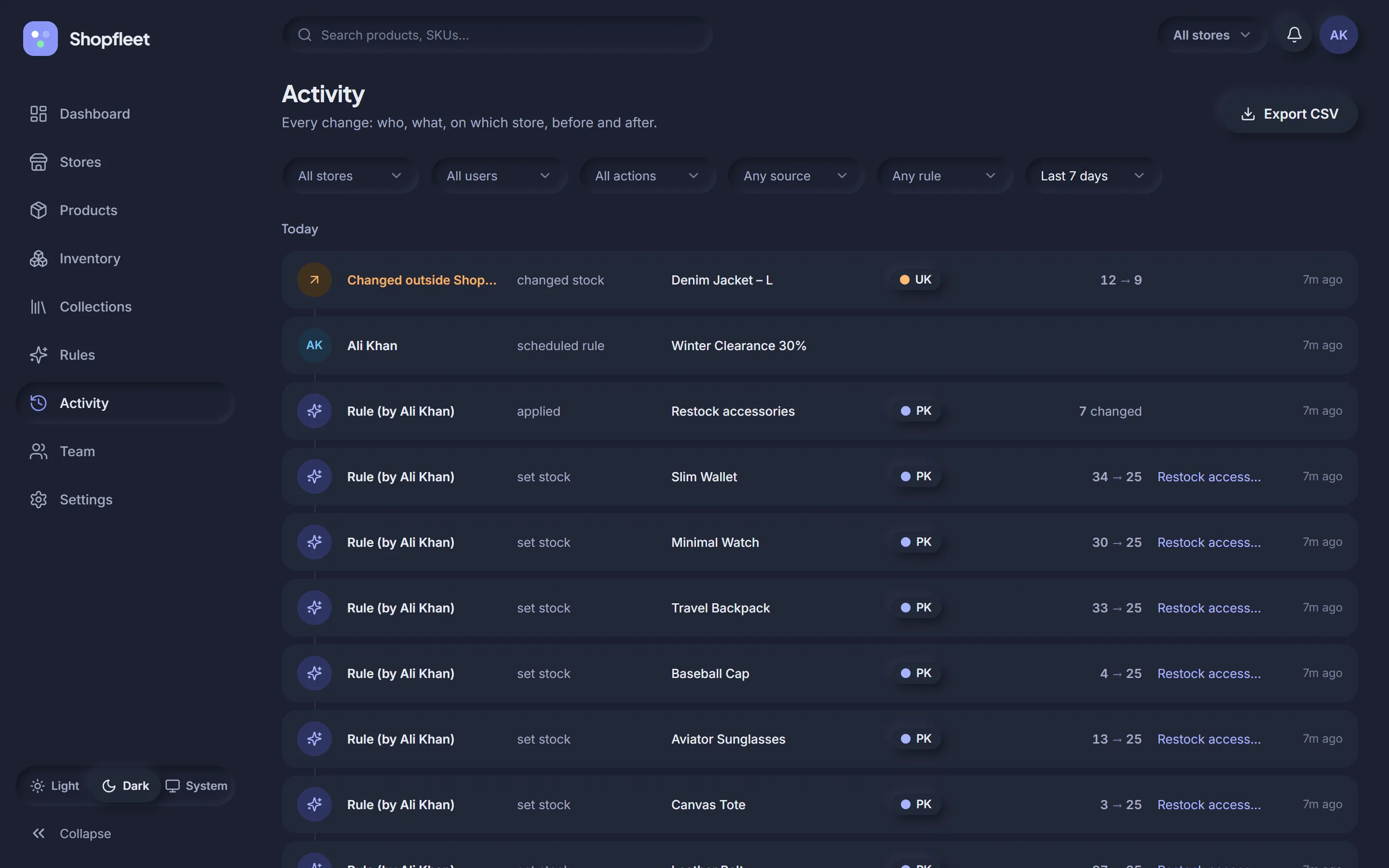
Every change from Shopfleet, every rule run, and every edit made directly in Shopify admin — with before and after values.
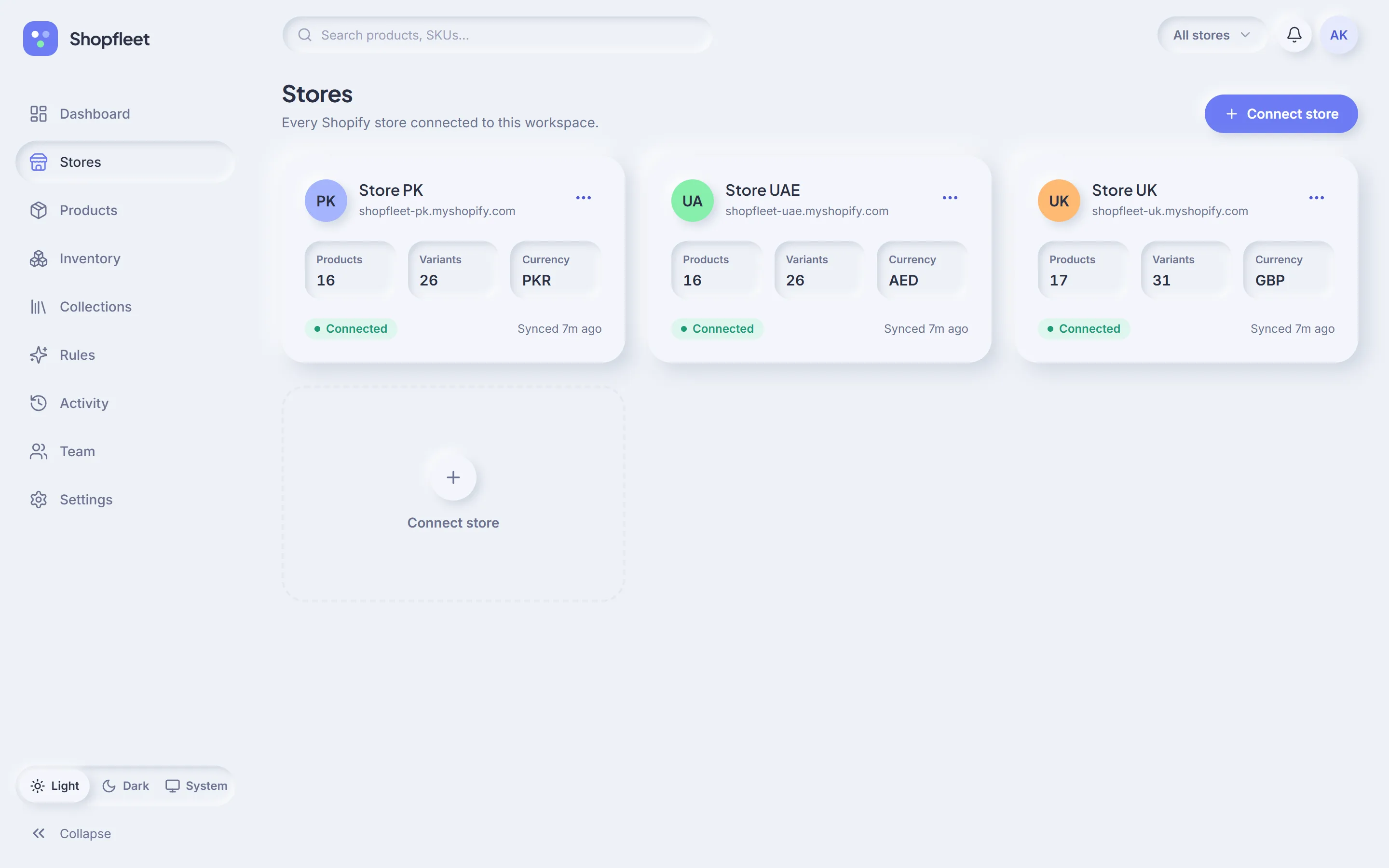
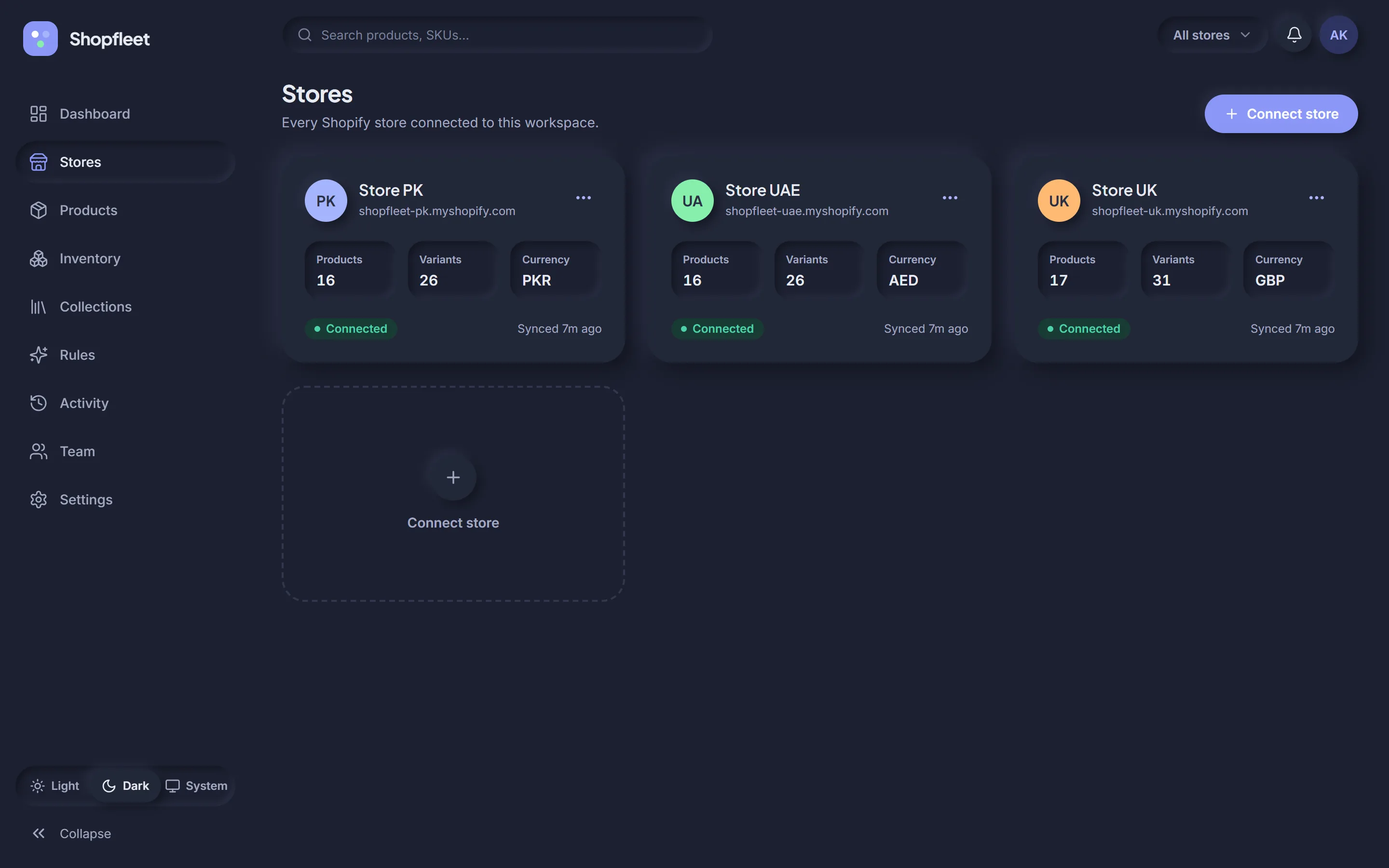
Sign in with Shopify, approve access, and your catalog syncs in the background. Each store gets its own colour so you always know where you are.
Enter a store's myshopify.com address and approve access in Shopify. Products, variants, stock and collections sync automatically.
Pick what to change, which products and which stores. Preview shows every variant and its new price before you commit.
Watch progress store by store. Every change is logged — and when the sale ends, prices go back exactly as they were.
A typo in a bulk edit can mark down your whole catalog. Shopfleet is built so that can't happen quietly.
Shopfleet listens to Shopify for changes. If someone edits stock or a price directly in Shopify admin, it lands in your log as “Changed outside Shopfleet” — next to everything done in the app.
A store for Pakistan, one for the UAE, one for the UK. Run one Eid sale across all three, each in its own currency and time zone.
Several brands, several stores, one team. Keep shared products in sync and see every store's health in one place.
Manage client stores with limited, per-store access for your team, and hand clients a CSV of exactly what was changed.
Give your warehouse team stock access to one store and your marketing lead sales across all of them. Permissions are checked on every action — and again inside every background job.
| Permission | Owner | Admin | Editor | Viewer |
|---|---|---|---|---|
| View dashboard & logs | ✓ | ✓ | ✓ | ✓ |
| Edit products & stock | ✓ | ✓ | ✓ | — |
| Create & run rules | ✓ | ✓ | ✓ | — |
| Revert rules | ✓ | ✓ | — | — |
| Connect stores | ✓ | ✓ | — | — |
| Manage team | ✓ | ✓ | — | — |
| Billing & workspace | ✓ | — | — | — |
Every plan includes rules, preview & revert, and the full activity log. Start free for 14 days.
No. Shopfleet matches products across stores by SKU (or by handle and variant title, if you prefer). Products that only exist in one store simply show that one store — like the sneakers only sold in the UK in our demo.
Before a rule changes anything, Shopfleet saves a snapshot of each variant's price and compare-at price. When the rule ends — or you click revert — both are restored exactly.
No. Shopfleet listens to Shopify webhooks and updates its view of your catalog. Those edits appear in the activity log as “Changed outside Shopfleet”, so nothing goes unnoticed.
Yes. Each store keeps its own currency. A 20% sale is calculated in each store's currency, with rounding (like “ends with .99”) applied per store.
Stores connect through Shopify's official OAuth, so you never share a password. Access tokens are encrypted, webhooks are signature-checked, and two-factor sign-in is available for every user.
More questions? Talk to us.
Connect your stores, preview your first rule, and see the difference. Free for 14 days.